









Welcome to the January 2026 update for Point! This month, we’re rolling out powerful new capabilities designed to help you optimize licenses, identify risky workspaces, improve workspace review completion rates, and automate cleanup tasks across your Microsoft 365 environment.
Introducing a new add-on: License Optimization 2026.1.125
Microsoft 365 license management has been a constant challenge for IT teams – fragmented licensing data, manual tracking, and growing Microsoft cost pressure make it harder than ever to stay in control of licensing. As environments scale, unused, underused, and redundant licenses quietly drain budgets and make it difficult to run confident renewals and prove ROI.
With complete visibility and actionable insights, you can optimize renewals with confidence, improve overall license utilization, and clearly demonstrate value to the main company stakeholders. Prepare for all licensing challenges by ensuring you have continuous, complete visibility and insights into Microsoft 365 licenses.
This is just a starting point, as we plan to continue improving functionalities throughout the year and adding enhancements based on your feedback.
How it works
1. Gain complete license visibility
Without a clear, centralized view of Microsoft 365 licenses, IT teams are forced to rely on multiple tools and manual spreadsheets, making it difficult to understand total license counts, costs, and optimization opportunities.
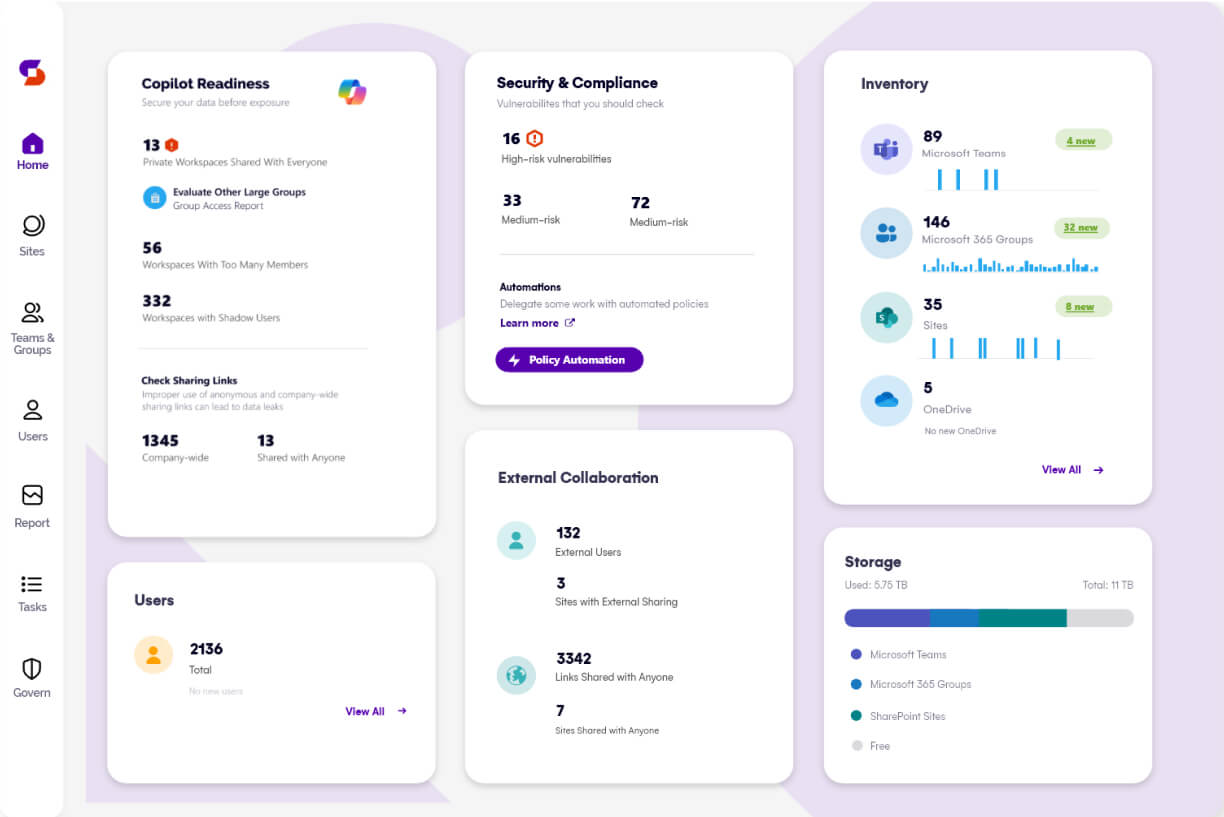
The License Optimization add-on removes these blind spots by bringing all license data into one place. From the home dashboard, the License Optimization tile highlights potential savings at a glance, while clicking further provides a complete License Overview.
2. Improve license utilization: Minimize waste and maximize value
Without actionable, up-to-date insights, license waste often goes unnoticed. Licenses remain assigned to inactive users, add-on licenses sit unused, and overlapping licenses quietly increase costs.
The License Optimization add-on helps eliminate this waste by clearly identifying where licenses are underutilized or unnecessary. In the new add-on, you can find dedicated reports that will enable you to:
Remove licenses from inactive users with assigned licenses and reassign them to active users, unlocking better utilization.
Reclaim unused add-on licenses such as Power BI, Visio, and Copilot by removing them from users who do not use them and reassigning them to users who will maximize their value.
Remove redundant licenses (for example, E5 and Power BI Pro users do not need Power BI Pro because E5 already includes it).
With these insights, admins can quickly remove, reclaim, and reassign licenses to the users who need them most, improving overall utilization and unlocking cost savings.
3. Optimize renewals, costs, and ROI
Ongoing pressure to reduce Microsoft 365 spend, prove ROI, and manage renewals often forces IT teams to rely on manual tracking and fragmented data, leading to overlicensing, missed optimization opportunities, and inaccurate internal chargebacks.
The License Optimization add-on replaces guesswork with up-to-date licensing insights that help admins prepare more cost-effective renewals. By adding customizable license pricing, you gain clear visibility into actual savings and can confidently demonstrate ROI to stakeholders.
The License Distribution report further breaks down license consumption by department, country, or usage location, enabling accurate internal invoicing, better budgeting, and complete transparency into where license spend is coming from.
Why it matters
Improved visibility & utilization: Centralized view of M365 licenses, costs, and usage, making it easy to spot unused or overlapping licenses and unlock savings.
Confident renewals: All license data in one place means teams can plan renewals more confidently, purchasing only what’s needed.
Accurate internal chargeback: Break down license costs by team, department, or location to support precise internal invoicing and budgeting.
Maximized value and ROI: Advanced insights help optimize spend, reduce waste, and clearly demonstrate ROI to stakeholders.
New Risky Workspaces 2026.1.125
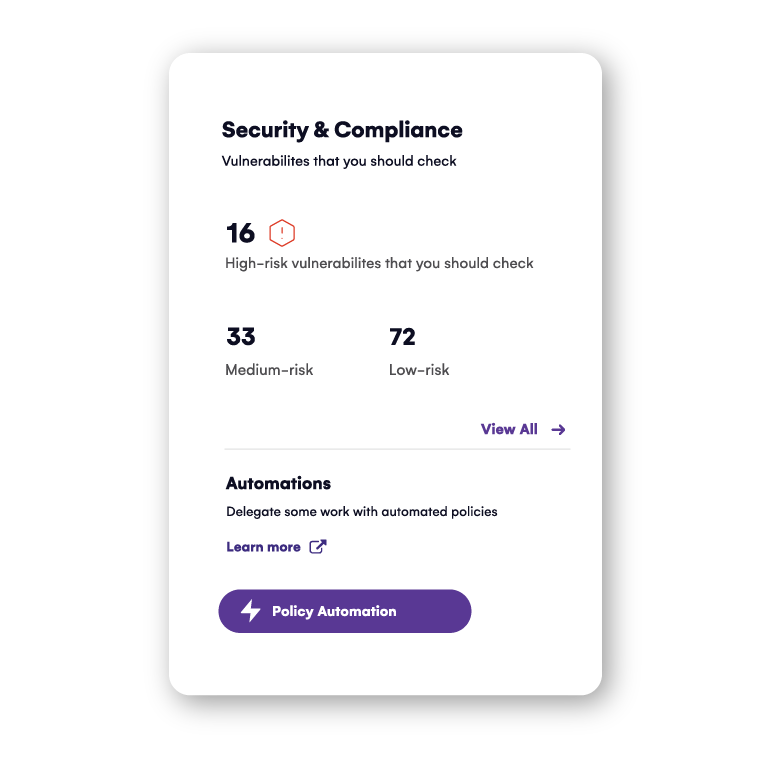
Oversharing and data exposure are huge risks, especially as AI tools make data accessibility and exposure more important than ever. Therefore, we’re introducing Risky Workspaces – a new set of insights on the Home dashboard (Security & Compliance tile) that helps you identify which Microsoft 365 workspaces represent the highest security and oversharing risks.
How it works
Risky Workspaces are defined based on key metrics, including:
Sensitive files shared with anyone or company-wide
Content shared with broad groups (Everyone / Everyone except external users)
Workspace owner inconsistencies (too many or too few owners)
And more
You can now quickly prioritize action by seeing all risky workspaces in one place, understanding why each workspace is flagged, and taking remediation actions.
Why it matters
You can quickly spot high-risk workspaces without digging through multiple reports and take action directly from the dashboard – changing owners, archiving workspaces, or removing risky sharing links. By reducing oversharing and tightening control over data exposure, organizations strengthen security today and build a foundation for AI readiness.
Workspace Review update for guided reviews 2026.1.124
Keeping workspaces clean is one thing – getting owners to actually review them is another.
For workspace owners, managing reviews can be confusing. They often don’t know which actions to take or why those actions matter, which leads to hesitation, inaction, or mistakes. On the other side, single static reminders for Workspace Reviews are easily overlooked, leaving tasks incomplete. For admins, this creates issues: unresolved review tasks, increased security risks, and limited ability to demonstrate ROI to stakeholders.
The New Workspace Review upgrade makes it easier than ever for owners to follow guidance and foradmins to increase completion rates.
How it works
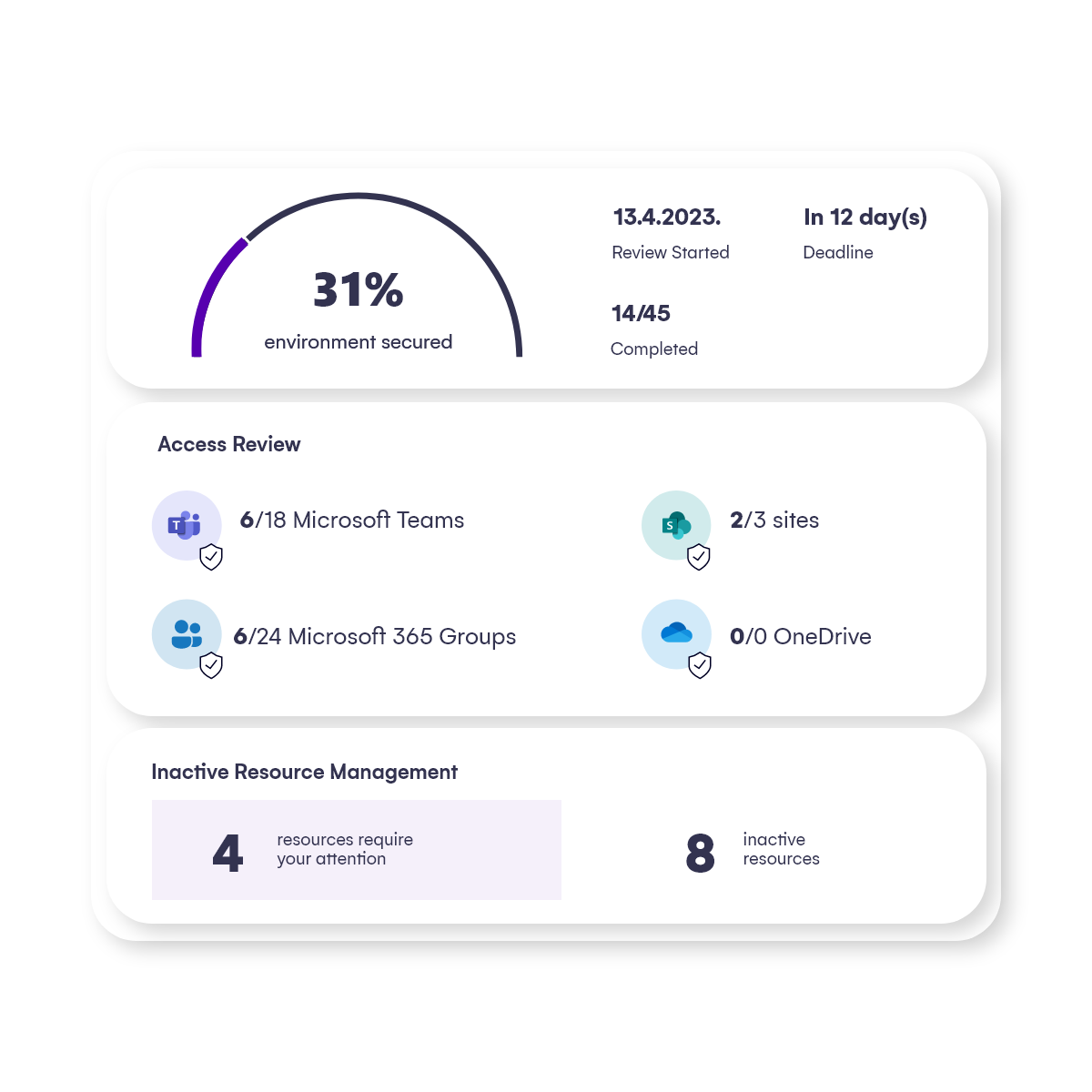
Enable guided Workspace Reviews by adding new recommendation steps that fit internal needs, so workspace owners know exactly what issues to resolve and how. Owners now get clear, step-by-step suggestions, such as removing blocked users or inactive guests.
Ensure workspaces are reviewed on time by adding new customizable reminders. Define the number of sent reminders, frequency, and the time window between the review start and due date.
Why it matters
More completed reviews lead to cleaner, safer workspaces with less oversharing and lower security risk. With fewer unresolved tasks, you spend less time on manual follow-ups and more time on strategic work. At the same time, higher completion rates provide clear evidence of value and ROI for stakeholders.
Automated Cleanup for Orphaned Users & Expired Sharing Links 2026.1.124
Manual cleanup tasks are repetitive, time-consuming, and prone to errors. Orphaned users and expired sharing links clutter reports, complicating audits and governance. In many cases, orphaned accounts still own documents or sites, creating lifecycle management challenges because no one is responsible for those assets once the users are no longer active.
With Automated Cleanup, admins can now remove orphaned users and expired sharing links.
How it works
New automated actions include:
Automate Expired Sharing Links cleanup – automatically remove links that are no longer valid.
Automate Orphaned Users cleanup – automatically remove permissions for users who have left the organization (disabled or deleted).
Why it matters
By automating cleanup tasks, you can save hours of manual work each month while reducing the risk of human error. Orphaned users are automatically prevented from retaining access to sensitive files and workspaces, strengthening security and compliance. At the same time, reports stay clean and accurate, making audits faster, smoother, and far less stressful.
Take control of your Microsoft 365 environment with Syskit Point
Simplify your Microsoft 365 management and governance with our scalable platform for Microsoft 365.