"Syskit is the pre-requisite for safe AI adoption at Redgate."
MICROSOFT 365 GOVERNANCE AND SECURITY
Control who and what can access your M365 data
Syskit Point is the governance layer for Microsoft 365. It keeps your environment secure, cost-optimized, and AI ready.
- Stop guessing who needs access. Workspace owners confirm it, IT keeps oversight. Lotus Cars cut time spent on access reviews by 50%.
- Find exposure before an auditor or an AI tool does. STADA reduced the risk of data leaks by 70%.
- Stop paying for what you don’t use. Ovative saved $24K in storage in under 60 minutes.
- Let automation keep your environment clean. Hub International automatically removed nearly 30,000 orphaned permissions.
Keep access appropriate, content current, and your data ready for safer AI adoption.








Gain visibility and control
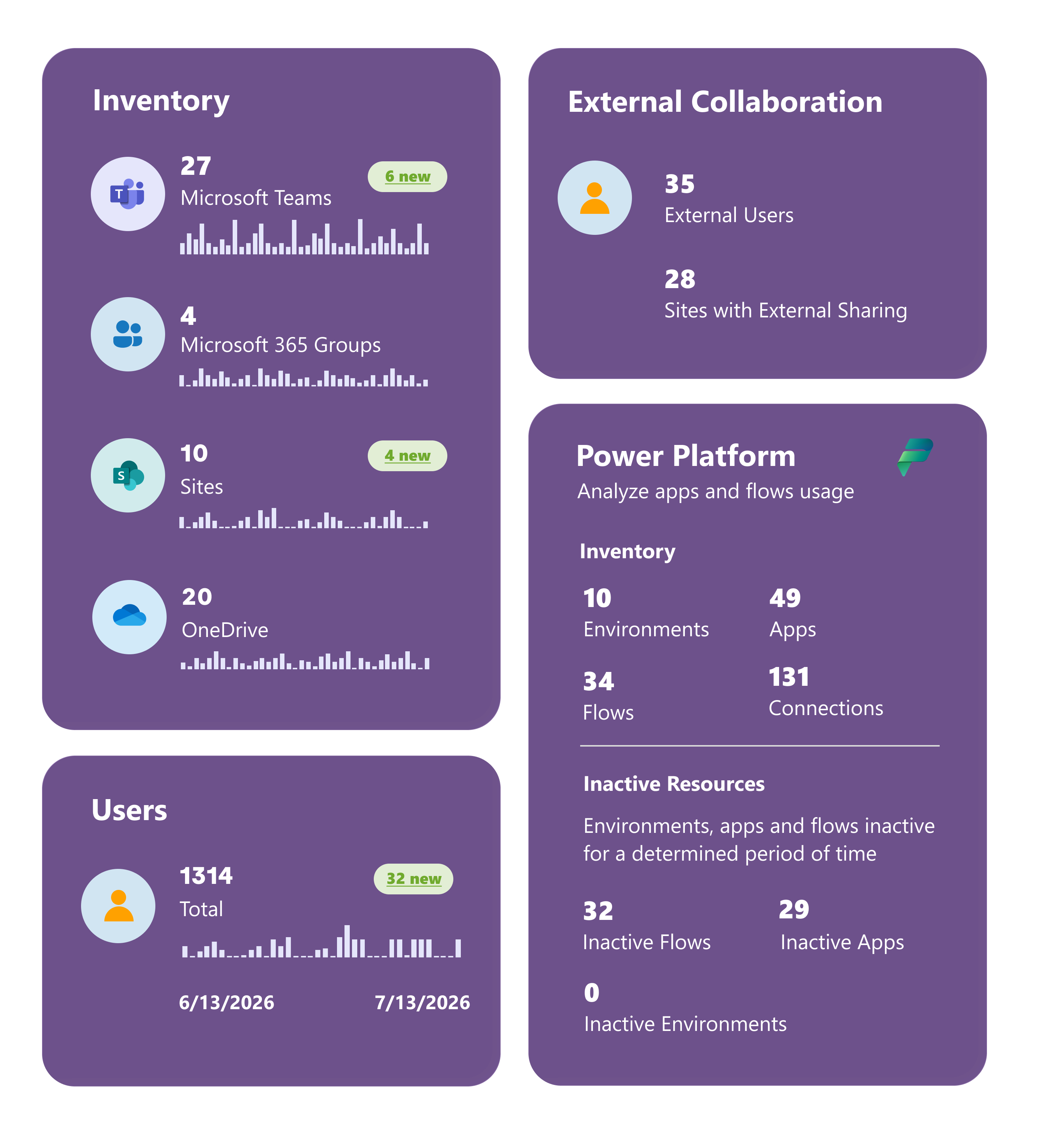
See your Microsoft 365 environment from one interface. Automate governance and delegate tasks to workspace owners while IT maintains oversight.
Stay secure and compliant
Review permissions and sharing, monitor security checks, and use audit logs and reports to support your compliance requirements.
Optimize Microsoft 365 costs
Manage stale files, versions, and storage. Use the license optimization add-on to identify unused or redundant licenses and inform renewals.

Enable safe AI adoption
Govern the data AI can reach, keep content current, and bring AI agents and connected apps into your governance view.
SHAREPOINT PERMISSIONS
Understand access down to the file level
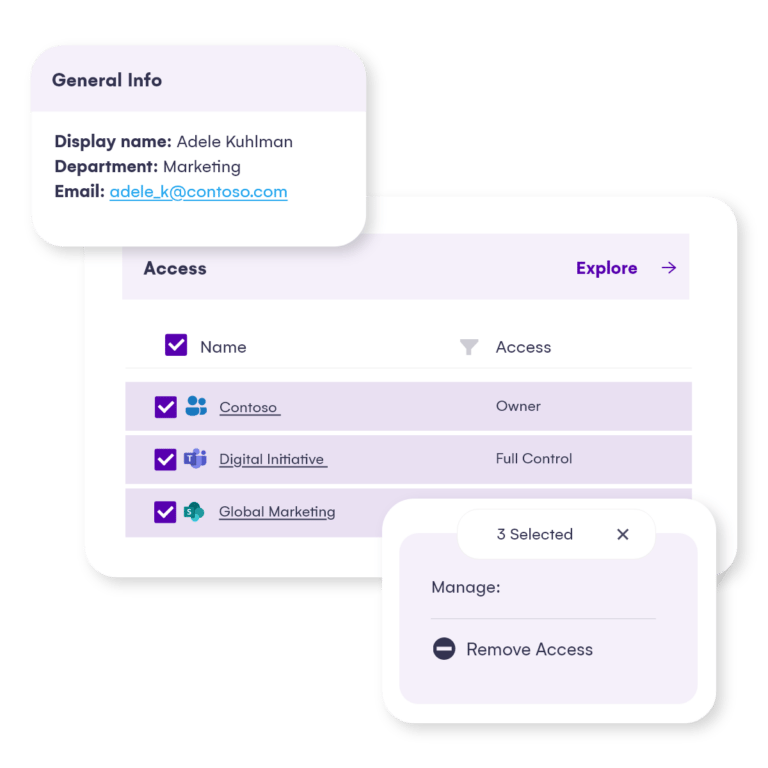
See SharePoint permissions, external users, and sharing links together. Review direct, inherited, and group-based access, and find places where permission inheritance has been broken.
Change permission levels, remove access, restore inheritance, or delete a sharing link from the report where you found the issue. Schedule owner reviews to keep access aligned with business needs.
AI SECURITY AND GOVERNANCE
Govern the data behind your AI tools
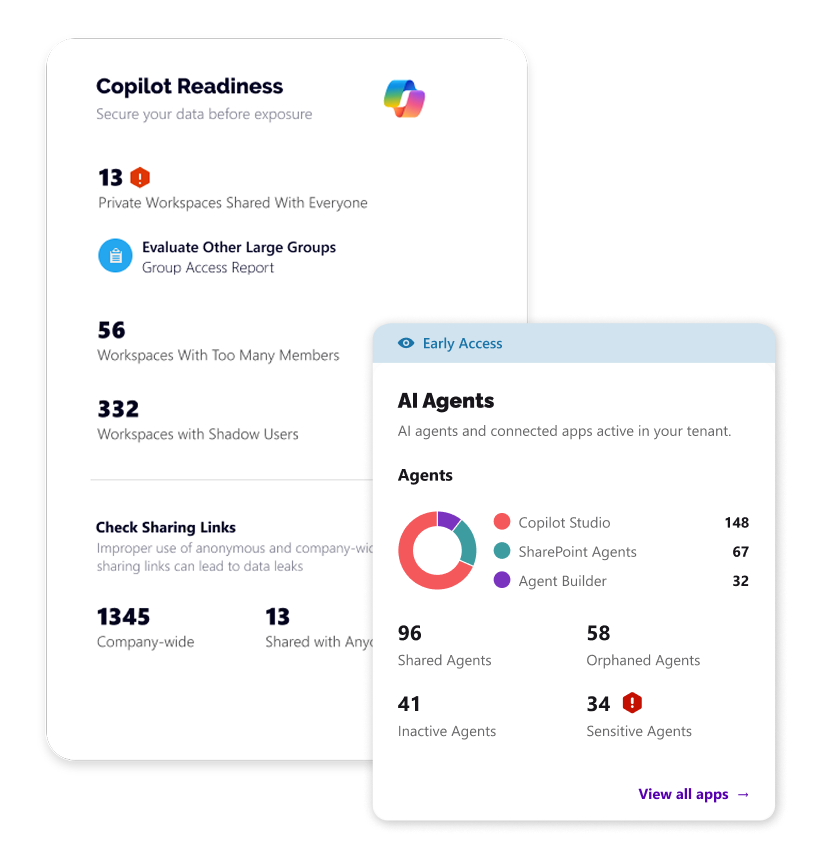
AI tools connected to Microsoft 365 may reach content through the permissions and connections you allow. Review overshared workspaces, anonymous links, and guest access so you can address exposure before expanding adoption.
Keep content owners accountable through workspace reviews. Manage stale content alongside permissions so your governance work supports both everyday collaboration and AI readiness.
AI AGENTS AND CONNECTED APPS
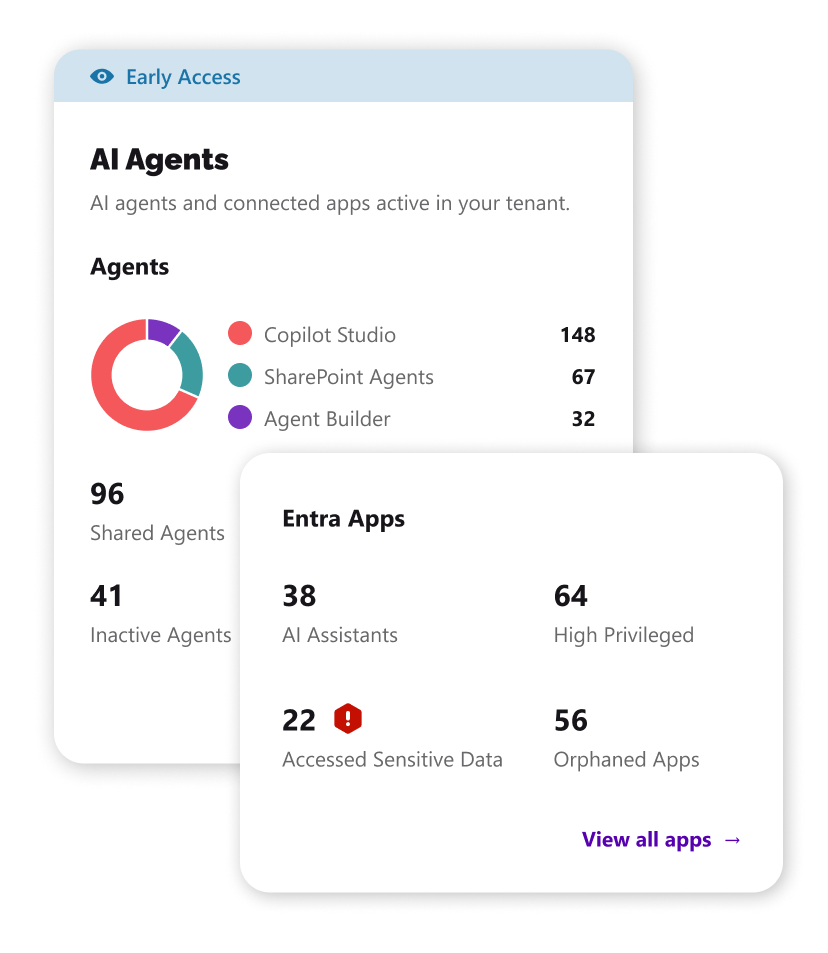
Know your AI agents. Control their lifecycle.
See an agent’s key details and available actions in one place. Inspect its knowledge sources, including each source’s name, type, location, and sensitivity label, to understand the content behind its answers.
Block or unblock Copilot Studio and Agent Builder agents, or reassign them to a new owner. Delete agents you no longer need. For connected Entra apps, block or allow sign-in and remove unused apps.
Actions depend on agent type and your Microsoft 365 permissions. A reassigned owner needs access to the agent’s Power Platform environment.
MICROSOFT 365 COST OPTIMIZATION
Reduce storage waste and unused license spend
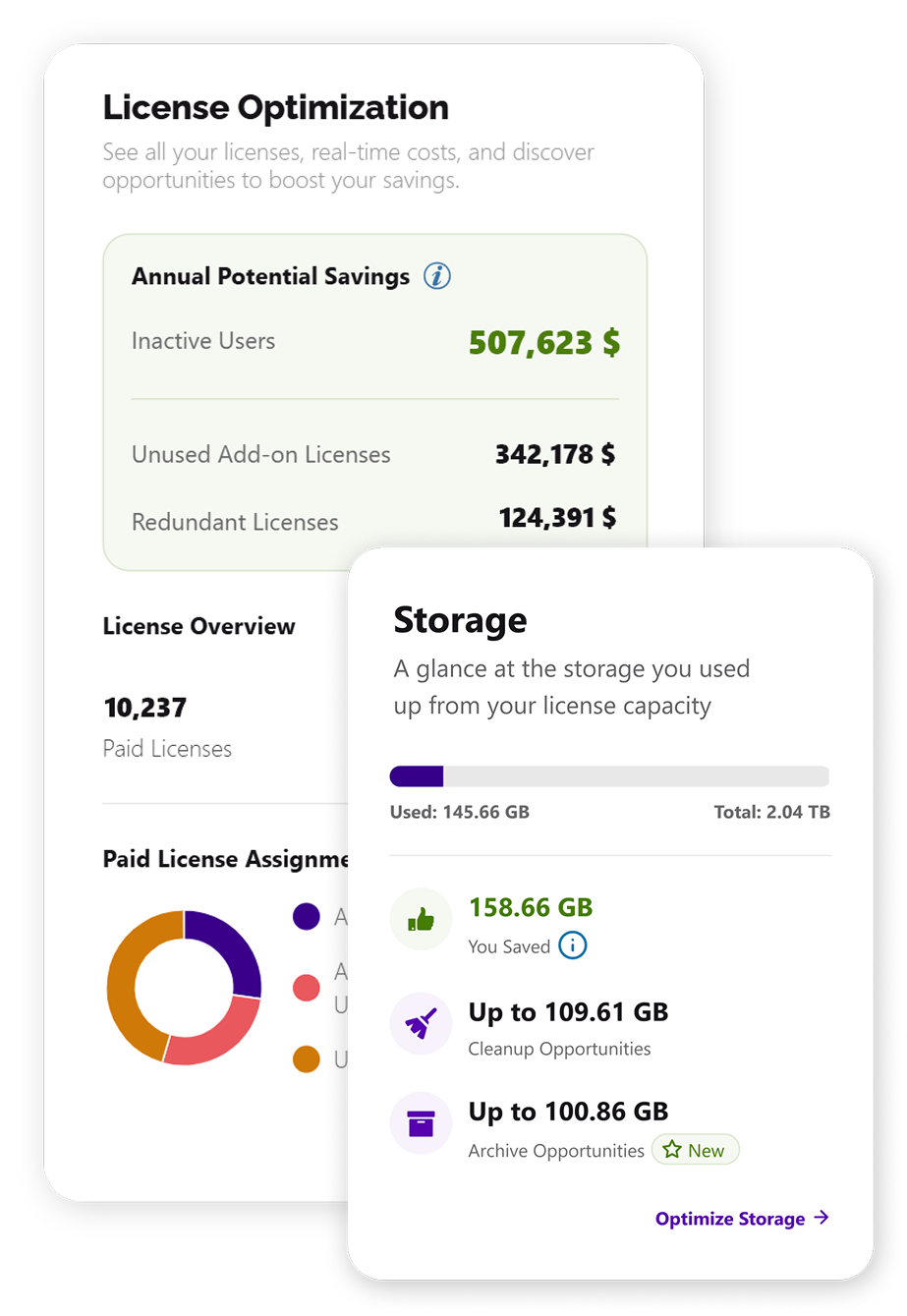
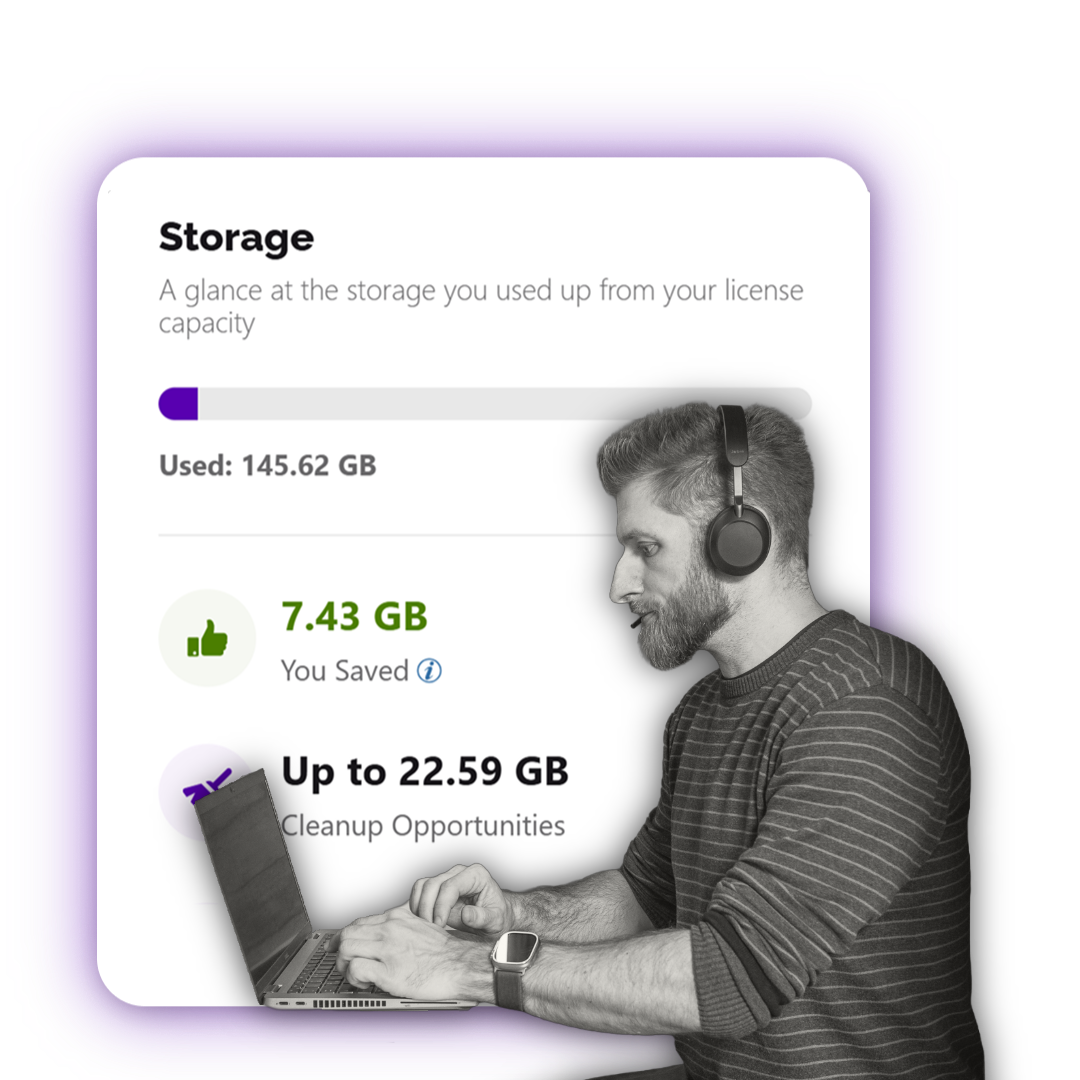
See where your Microsoft 365 budget goes. Syskit Point helps you understand SharePoint storage usage, identify stale files and unnecessary file versions, and plan cleanup or archiving.
Use the license optimization add-on to find unused or redundant licenses and review recommended actions. Bring usage data into renewal decisions so you can allocate licenses where they are needed.
Estimate how much you could save on Microsoft 365 storage by moving eligible content to archive.

HUB International
"We now have a much clearer and more manageable approach to Microsoft 365 governance."

Transavia France
"Now the process is much more automated and easier to oversee."
-1.jpg)
Redgate

Lotus Cars
"Syskit Point has become an integral part of our governance strategy."
Get Microsoft 365 under control
Talk to the Syskit team about data governance, SharePoint permissions, cost optimization, and safe AI adoption.