Menu Close

Govern AI agents across Microsoft 365 

Agents in SharePoint, Copilot Studio, and Agent Builder keep multiplying, and AI assistants like ChatGPT and Claude now connect to your tenant. IT often can’t see them, track what they do, or control them. 

With Syskit Point, you can:

  • See AI agents and assistants that access your Microsoft 365 data
  • Secure the data your AI tools can reach, and track what they actually do
  • Control the lifecycle of ownerless, inactive, and risky agents

No Microsoft Agent 365 license required. 

Trusted by

Rimac
LEGO
Coca Cola
Lionsgate
IBM
IATA
Goodyear
Aflac
DP World
Coripharma
European Parliament

The Syskit Point advantage

Features Syskit Point Microsoft 365
Inventory of SharePoint, Copilot Studio and Agent Builder agents, with owners, knowledge sources and sensitive content Basic list; risk and activity data only with Agent 365 license
Inventory of AI assistants like ChatGPT and Claude, with owners and permissions Mixed in with all Entra enterprise apps
See who else can open the content each agent uses N/A
Automatic owner reassignment for ownerless Copilot Studio and Agent Builder agents Agent Builder only, admin-run; requires Agent 365 license
Inactive agent automated cleanup Coming soon Only agents with an Agent ID*; custom timings require Agent 365 + Entra P1 or Microsoft 365 E3
Per-agent activity audit with reports Only with Agent 365 license
Agents, permissions and workspaces in one place Split across several admin centers
No additional license required Requires Agent 365 ($15/user/month) or Microsoft 365 E7 ($99/user/month)

*Agent ID is an agent's own identity in Microsoft Entra. Agent Builder agents and Copilot Studio agents created before May 2026 don't have one. Microsoft details are based on Microsoft's public documentation as of November 2026; some features are in preview and may change. 

Put every AI agent under governance 

Manage agents and AI assistants on the same platform as your permissions, workspaces, and storage. No Microsoft Agent 365 license required, and you can try it free for 21 days.


See every agent and assistant in your tenant 

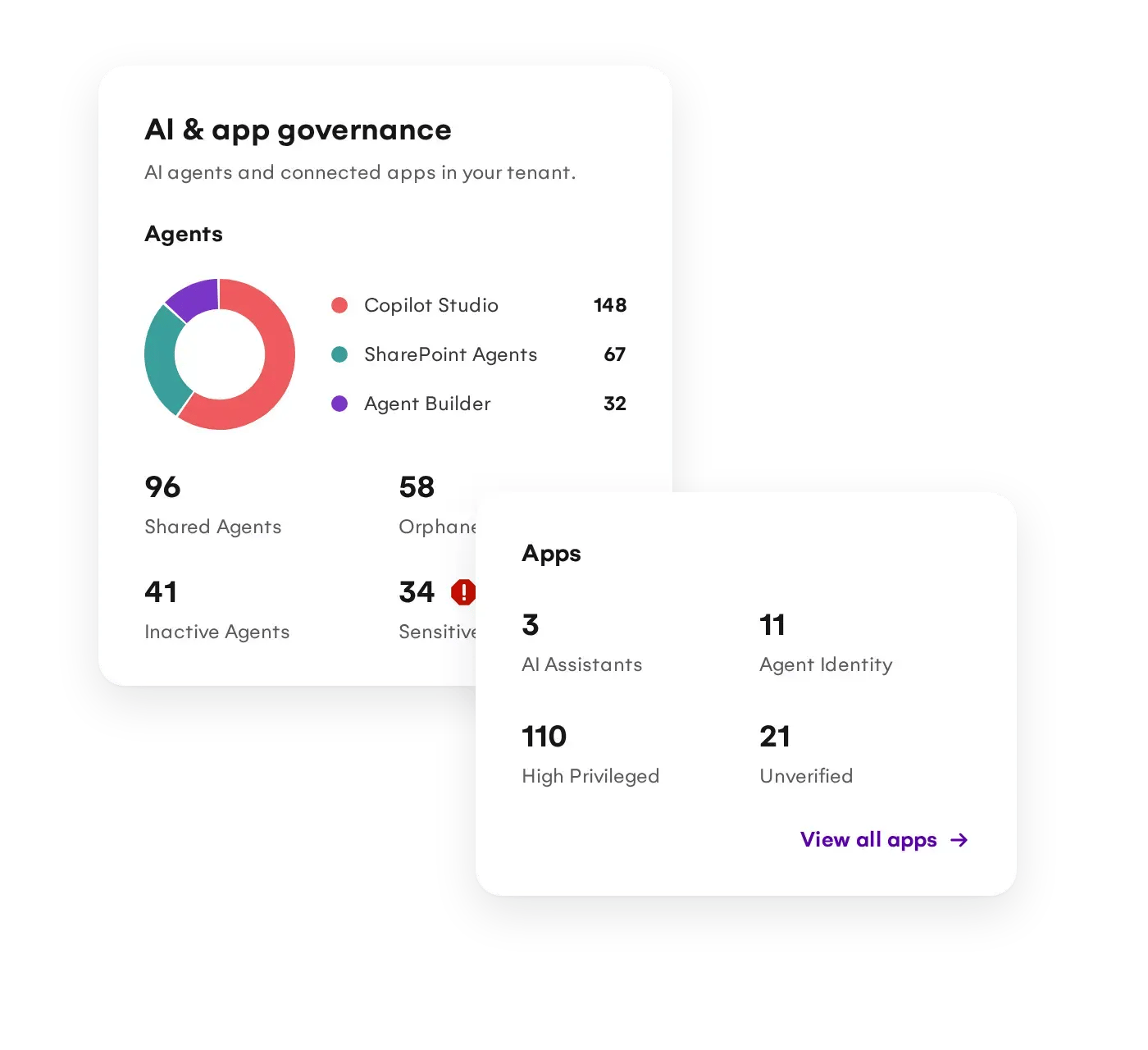
Agents get built in SharePoint, Copilot Studio, and Agent Builder, while assistants like ChatGPT and Claude connect through Entra, and it’s hard to keep track of who builds them and what they can reach. Syskit Point brings them into one inventory, with each agent’s owner, access, and knowledge sources.

Instead of just a long list, you see what needs attention first: agents that are ownerless, inactive, shared with everyone, or using sensitive content.

Explore AI agent governance

AI and app governance + apps

Secure the data your AI tools can reach 

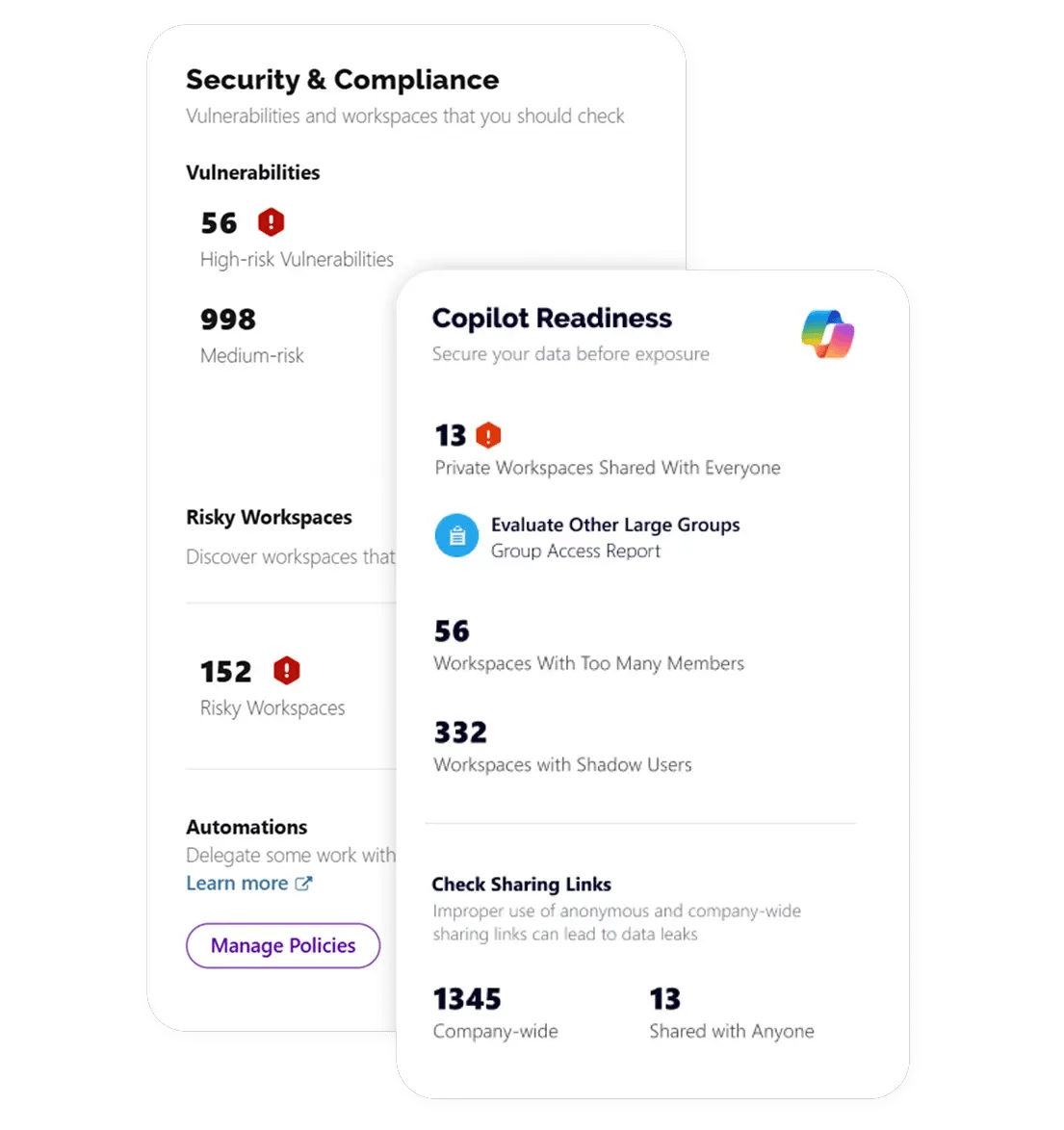
Copilot, AI agents, and assistants like ChatGPT and Claude reach content through the permissions and connections you allow. Find sensitive files exposed through company-wide links, anyone links, public workspaces, and guest access, see which agents use sensitive content, and fix exposure before you expand AI adoption. Activity audits then show what agents and assistants actually did, from user interactions to configuration changes. 

Then keep it that way. Workspace reviews let Teams and site owners confirm who still needs access, alerts flag new risky sharing, and stale file policies move files nobody has touched in years to Microsoft 365 Archive, out of Copilot’s reach.

Explore Microsoft 365 AI security

security-copilot-readiness (2)

Control every agent’s lifecycle. Automate the rest.

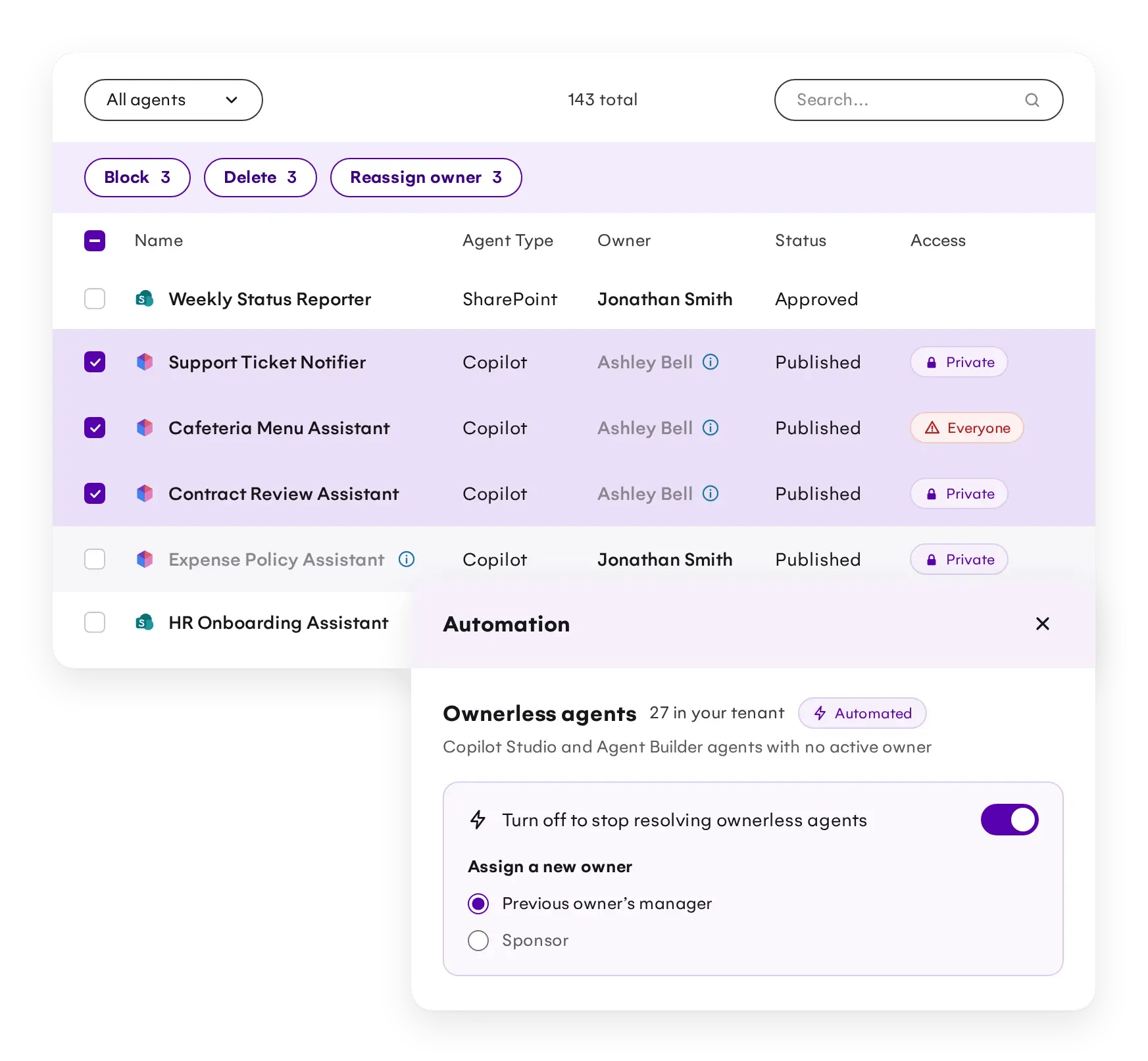
Find ownerless, inactive, and risky agents in one inventory and act on them right away. Block or delete agents you no longer need, reassign them to a new owner, and block sign-in for connected Entra apps.

Agents multiply faster than anyone can review them one by one. Turn on the ownerless agents automation, and Syskit Point assigns a new owner to agents still in use, either the previous owner’s manager or the agent’s sponsor. Every resolved agent is logged in a history report, so you can see who owns what and why.

Actions depend on agent type and your Microsoft 365 permissions. A reassigned owner needs access to the agent’s Power Platform environment. 

Explore AI agent governance

agent-actions-automation (1)
CUSTOMER STORIES

Governance that makes a difference

images

HUB International

"We now have a much clearer and more manageable approach to Microsoft 365 governance."

transavia (1)

Transavia France

"Now the process is much more automated and easier to oversee."

redgate

Redgate

"Syskit is the pre-requisite for safe AI adoption at Redgate."

Lotus_main-photo_case-study-612x612

Lotus Cars

"Syskit Point has become an integral part of our governance strategy."
FREQUENTLY ASKED QUESTIONS 


How does Syskit Point help with AI agents?

The Agents & Apps Inventory helps you see Microsoft agents and Entra enterprise apps connected to Microsoft 365, identify items needing review, and take supported management actions. The feature is in Early Access. Review each connected tool’s permissions and configuration as part of your governance process.

Do I need a Microsoft Agent 365 license?

No. Syskit Point inventories, audits, and manages your agents without a Microsoft Agent 365 license. In Microsoft 365, agent activity audits and automatic owner reassignment require Agent 365 or Microsoft 365 E7. Some Syskit Point features depend on your plan: the ownerless agents automation is available in the Governance plan and higher, and agent activity reports in the Security & Compliance plan and higher.

How often does Syskit retrieve data from our Microsoft tenant?

By default, user synchronization and discovery of sites and Microsoft 365 Groups run every 24 hours. Subsequent site and group updates use detected changes. You can also start Sync manually for a supported scope. Microsoft audit logs may take up to 24 hours to become available, and initial synchronization can take longer in larger tenants.

How can I start a free trial of Syskit Point?

Start a free 21-day trial with no credit card required. You can explore Syskit Point immediately using demo data, without connecting your Microsoft 365 tenant. To evaluate the platform with your own Microsoft 365 data, you’ll need Global Administrator permissions to connect your tenant. If you don’t have the required permissions, you can book a personalized demo with a product expert.

Which Syskit Point plan is right for my organization?

Choose a plan based on the management, security, and governance capabilities you need. Pricing depends on your selected plan, the number of licensed Microsoft 365 users, and any add-ons. Visit our pricing page to compare plans, features, and licensing options.

CONTACT US

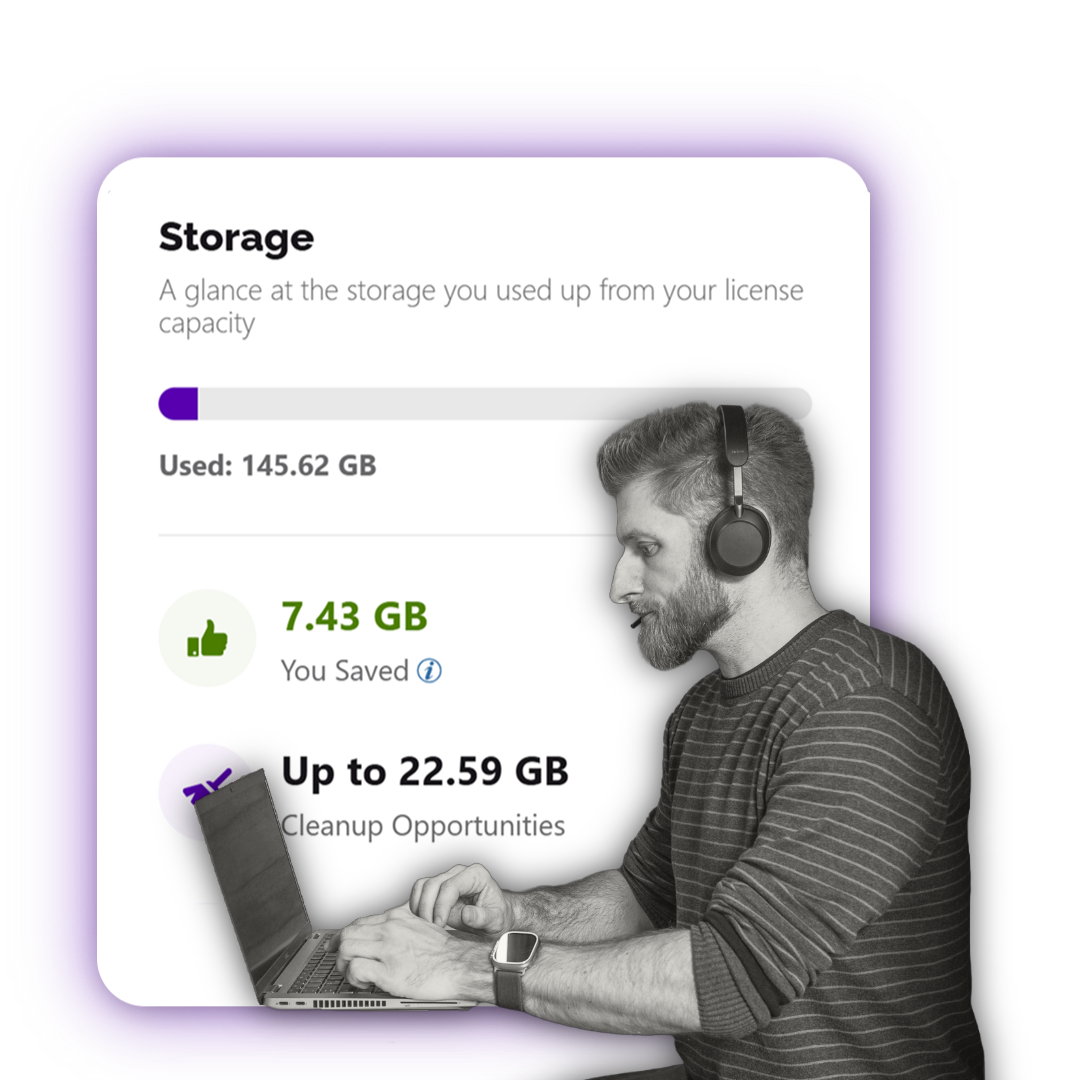
storage-cta

Get Microsoft 365 under control

Talk to the Syskit team about data governance, SharePoint permissions, cost optimization, and safe AI adoption.
RESOURCES
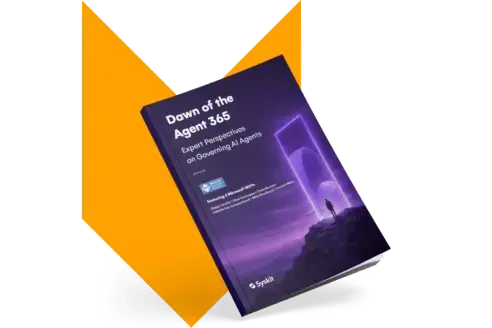
Dawn-of-The-Agent_mockup-Ebook-492x328-1-1

Dawn of Agent 365

Explore expert perspectives on managing and securing AI agents across Microsoft 365. 

Get your copy

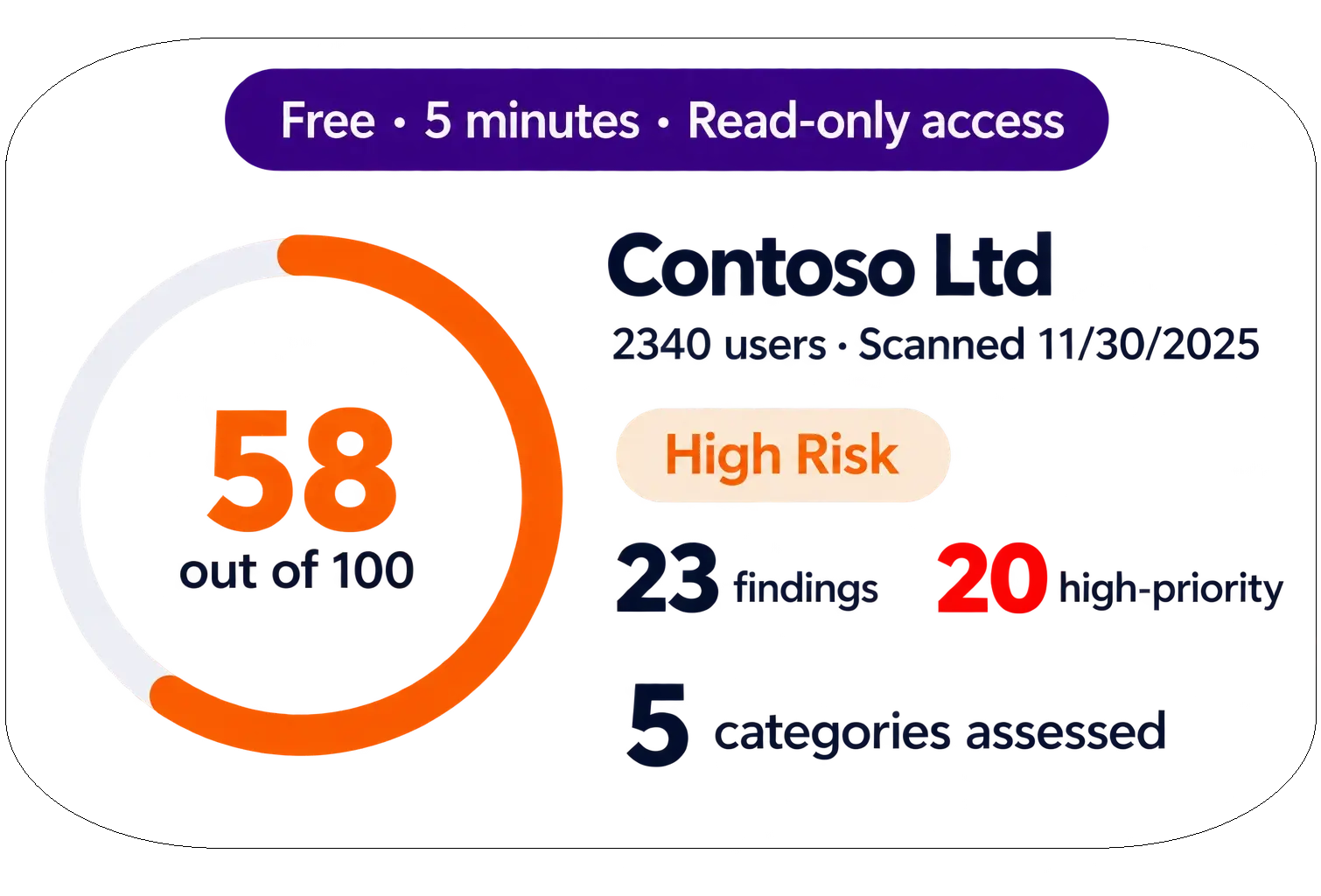
risk-assessment-card-original

M365 Risk Assessment

Find out where you stand in just 5 minutes with the free Microsoft 365 Risk Assessment. 

Take the assessment 

governance-report-book

M365 Governance Report

 Explore the gap between governance confidence and security exposure, including AI implications.

Get the report