










Know exactly what your AI can reach, in real time
Every AI tool your people adopt, whether it's Copilot, Claude, or whatever comes next, can only see what a user is already permitted to see. If nobody's checked those permissions in a while, neither has anyone checked what the AI can reach.
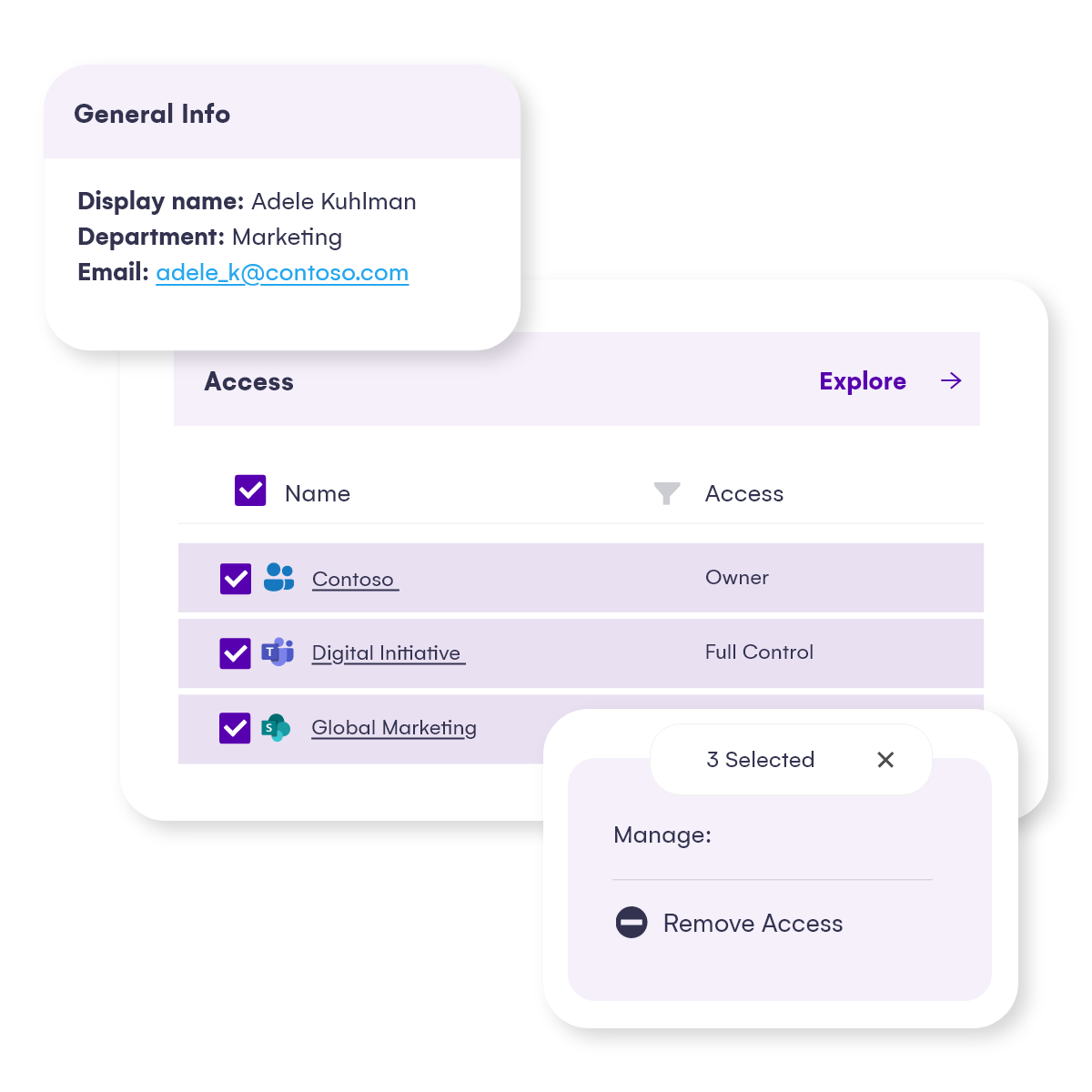
Syskit Point puts every SharePoint permission, external user, and sharing link across M365 in one place, so IT can answer that question directly, and act on it from the same screen: remove access, fix a permission level, restore inheritance, or kill a sharing link, without opening a single admin center.
AI confidence is running ahead of access control
Here's what 327 IT and security leaders admitted about the gap.
.png?width=1200&height=480&name=91vs58%20(1).png "91vs58 (1)")
Ready to find out what's exposed in your M365 environment?
Explore Syskit Point with a free trial, using demo data or connecting your own tenant. Or take the free 5-minute Microsoft 365 Risk Assessment and see what's exposed in an environment like yours.
You don’t want to be the next company on the front page of the news saying, “Hey, we had a data leak.” Start securing all of your information. This way whenever you’re ready to go in the AI world, get those Copilot licenses, your environment will be ready and you’ll have the best experience. It’s really time to start getting your data clean, and start getting your data in order.
Vlad Catrinescu Microsoft MVP & Syskit's Technical Evangelist

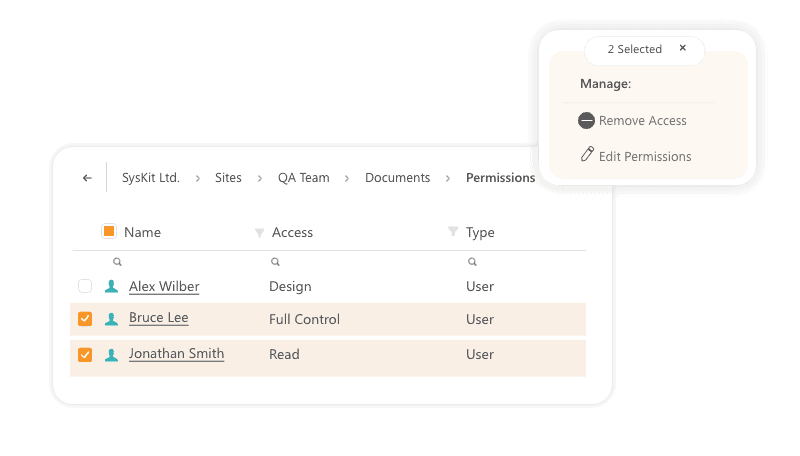
A single, filterable view of who has access to what across M365, from SharePoint sites and libraries down to individual files and folders. Sort by user, by permission type, or by exposure, and see immediately where an AI tool's reach goes further than it should. What used to mean clicking through every site and admin center is now a single, searchable view of SharePoint online permissions across the entire environment.
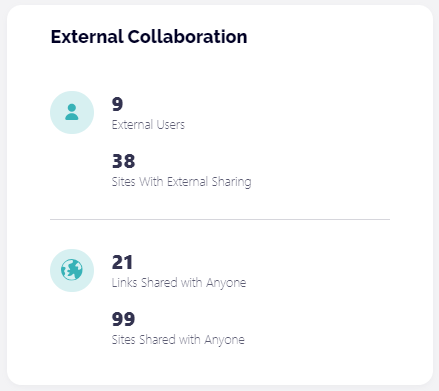
Every external user, guest account, and sharing link across your M365 environment in one place.
See when access was granted, and what it covers. Spot the ones that went stale years ago and remove them without visiting a single site individually.
Redgate removed 2,000 expired sharing links and surfaced 3,000 inactive guest users this way.
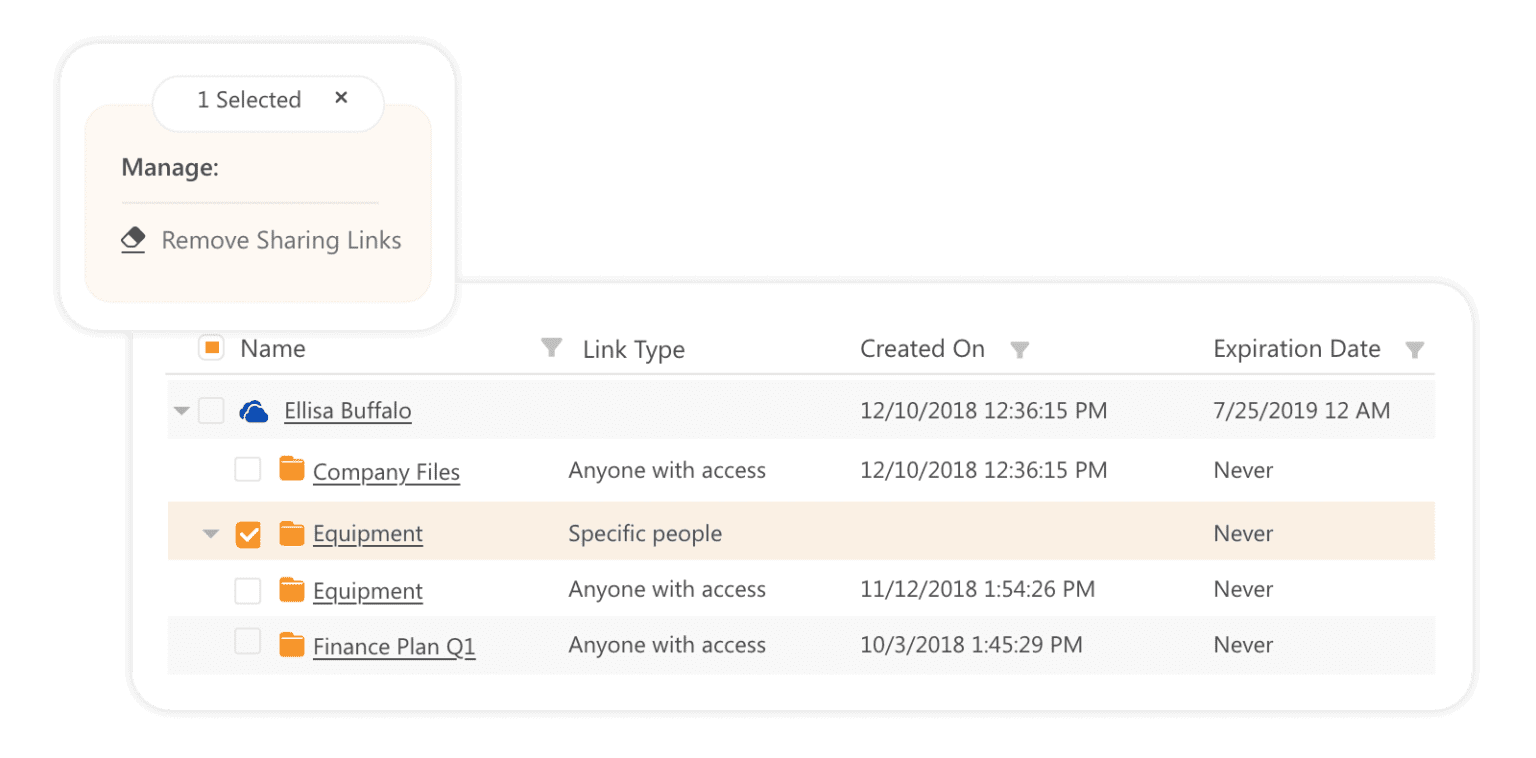
Broken inheritance is where SharePoint permission problems hide for years. A folder shared during a migration, an ex-employee whose access was never removed, a temporary grant that never expired. The Unique Permissions report surfaces every object where inheritance has been broken across your environment, so you can find the access risk that's been sitting quietly since the last migration and fix it before an auditor or Copilot does.
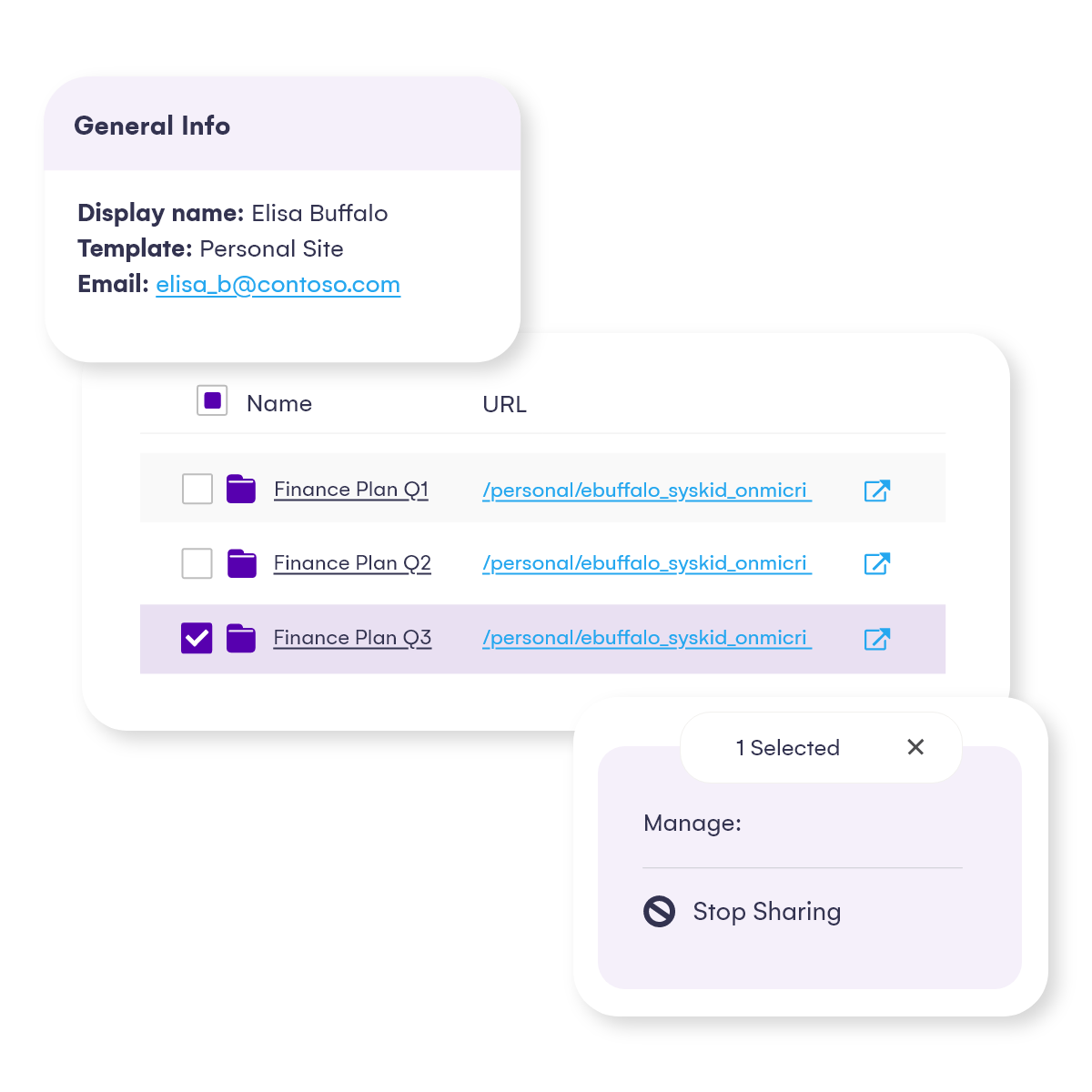
Seeing the problem is half the work. Edit a permission level, remove a user, restore inheritance, or delete a sharing link, right from the report where the problem showed up. No PowerShell scripts, no native SharePoint admin center.
Managing SharePoint permissions and access rights at scale from one place, in a fraction of the time.
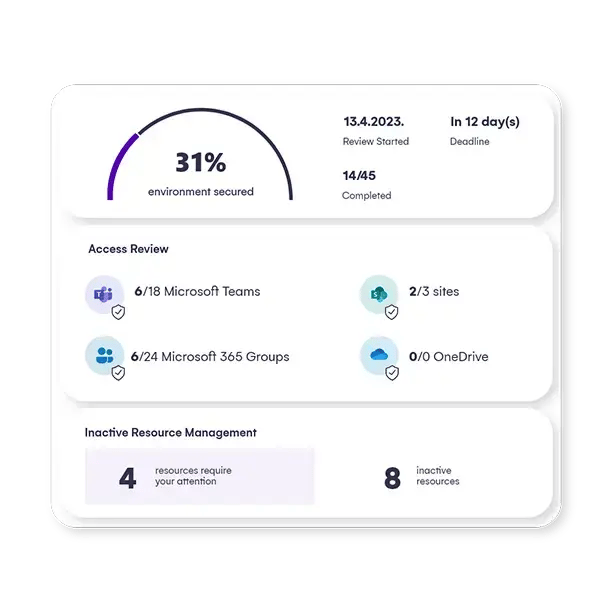
Push periodic access reviews out to workspace owners on a schedule IT controls, and watch the results roll in from a single dashboard.
Permissions get reviewed continuously instead of once a year under audit pressure, which matters a lot more once AI adoption is moving faster than any manual review cycle could.
See it. Fix it. Keep it clean.
A single, filterable view of who has access to what across M365, from SharePoint sites and libraries down to individual files and folders. Sort by user, by permission type, or by exposure, and see immediately where an AI tool's reach goes further than it should. What used to mean clicking through every site and admin center is now a single, searchable view of SharePoint online permissions across the entire environment.
Every external user, guest account, and sharing link across your M365 environment in one place.
See when access was granted, and what it covers. Spot the ones that went stale years ago and remove them without visiting a single site individually.
Redgate removed 2,000 expired sharing links and surfaced 3,000 inactive guest users this way.
Broken inheritance is where SharePoint permission problems hide for years. A folder shared during a migration, an ex-employee whose access was never removed, a temporary grant that never expired. The Unique Permissions report surfaces every object where inheritance has been broken across your environment, so you can find the access risk that's been sitting quietly since the last migration and fix it before an auditor or Copilot does.
Seeing the problem is half the work. Edit a permission level, remove a user, restore inheritance, or delete a sharing link, right from the report where the problem showed up. No PowerShell scripts, no native SharePoint admin center.
Managing SharePoint permissions and access rights at scale from one place, in a fraction of the time.
Push periodic access reviews out to workspace owners on a schedule IT controls, and watch the results roll in from a single dashboard.
Permissions get reviewed continuously instead of once a year under audit pressure, which matters a lot more once AI adoption is moving faster than any manual review cycle could.
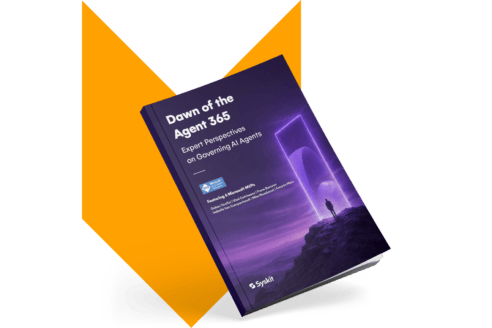
Heard about Agent 365?
Microsoft's new control plane for AI agents governs them, but the environment underneath them remains IT's job.
Six Microsoft MVPs break down what Agent 365 covers, what it leaves to you, and what to fix before your first agent incident.
Robert Chipperfield
Security Manager, Redgate
"We knew SharePoint permissions were a problem, but we didn't have a practical way to understand it at scale. With the size of our environment, you can't manually review who has access to what. It's just not tractable."

Amine Essnabi
IT Team Lead - Digital workspace, Transavia France
“Before, we were spending too much time chasing responses and coordinating reviews. Now the process is much more automated and easier to oversee. We reduced the time spent on access reviews by 70%. We also appreciated how clear and easy the platform is, and we identified storage optimization by 25% with no impact on users.”

Sebastien Nunes
SharePoint and Office 365 Admin, iTeos Therapeutics
"One of the key components of Syskit Point for us is the powerful reporting where we can narrow the selection and go quite deep into the structure of permissions and all the data regarding the permissions and memberships."

Florian Rada
Information Technology Manager, Fortech
"The permission systems in OneDrive and SharePoint weren't intuitive enough to have an overview of what's happening with the content access. It was not feasible and scalable to track and review all the sharing actions through it."