





Complete SharePoint reporting – Instantly see all permissions and usage
Syskit Point is the essential SharePoint reporting tool that moves you from reactive firefighting to proactive prevention, going far beyond native limitations. Stop risking critical security breaches, compliance violations, and data loss.
Get all your SharePoint usage and permissions matrix reports — instantly and reliably — in one unified interface.
Sign up for your 21-day free trial. No credit card is required.
Trusted by
Save hours daily
See all the SharePoint reports you need in one place — no more hopping between admin centers.
Fully control access
Quickly spot internal and external users with access to your data to stay secure and in control.
Cut costs now
See license and storage waste clearly and regain control before it impacts your results.
Easily organize
Keep your environment streamlined and don’t get bogged down with inactive groups, sites, and teams.
Why you need more than native SharePoint reports
Native SharePoint reporting provides a starting point, but its fragmented nature forces you to waste vital time. Essential reports on permissions, user access, and external sharing are scattered across multiple admin centers.
This lack of a unified view makes it easy to miss the details that lead to oversharing, wasted licenses, and a cluttered environment. Syskit Point gives you a single dashboard that provides all the SharePoint reports you need to identify and stop exposure and oversharing instantly.
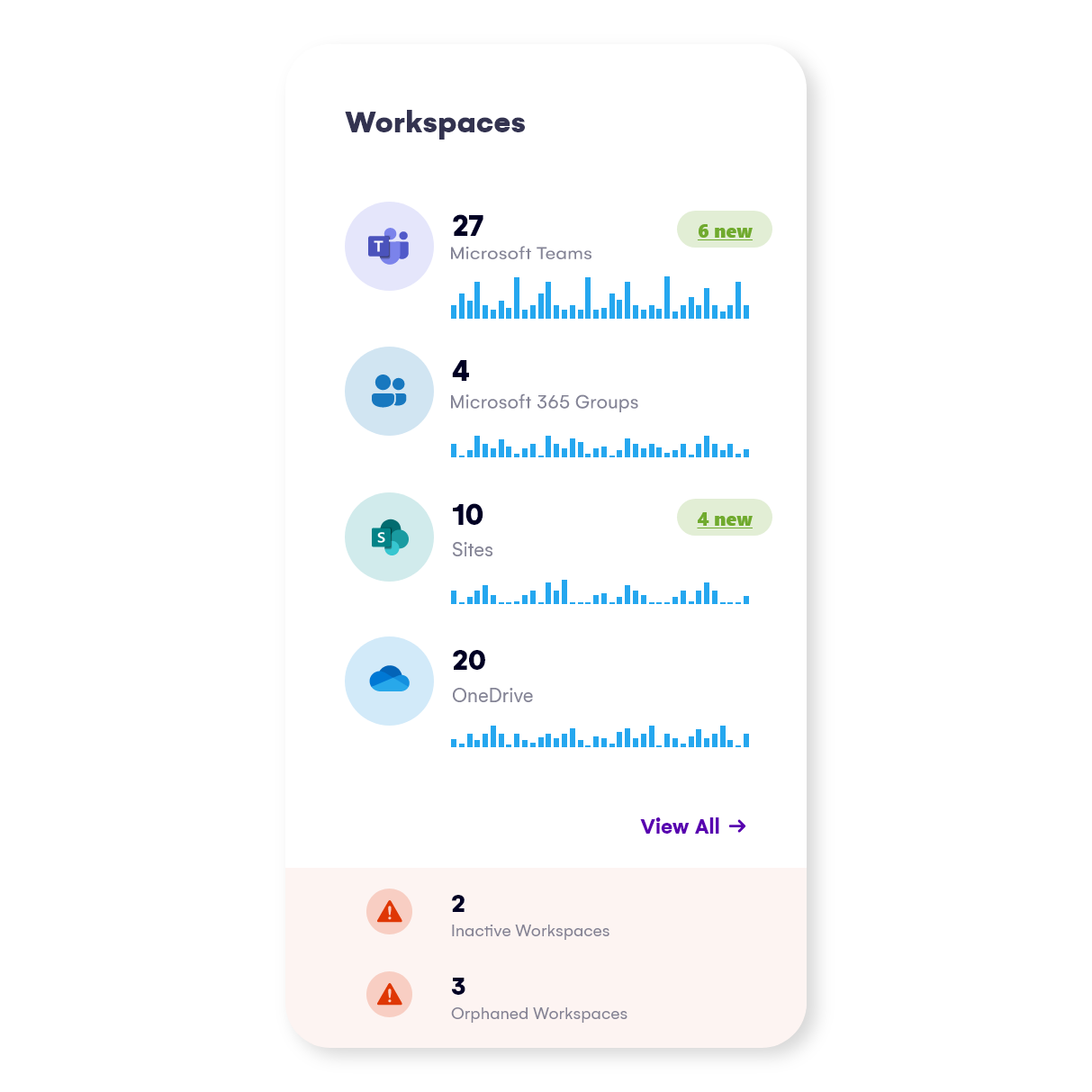
Stop guessing what's happening in your environment
Stop the manual grind immediately and gain the unified clarity your environment demands. Sign up for your 21-day free trial. No credit card is required.
Detect and manage who can access what across Microsoft Teams (private and shared channels included), Groups, SharePoint sites, and OneDrive accounts.
See all sharing and access down to the file level and generate real-time reports in just a few clicks.
Once you fine tune the details you want to run the report for and get the report you want, Syskit Point will allow you to remove and manage users’ access directly.
Some of the available actions are:
- Remove sharing link
- Remove user access
- Edit user permissions
- Delete unique permissions
See all Syskit Point’s reports examples.
Drill down into user permissions and memberships across the entire tenant.
Easily offboard people who leave or switch departments.
Add, copy, or transfer permissions for multiple users at once.
Some of the actions you can do directly from this report are:
- Remove user access
- Edit user permissions
- Remove user/group from SharePoint group
- Change admins
See all Syskit Point’s reports examples.
List all your content and objects, such as sites, lists, folders, files, etc.) across your entire Microsoft 365 inventory where permissions differ from a parent.
Once you do that you can:
- Restore permissions inheritance directly from the report
- Stop sharing; for OneDrive
- Delete unique permissions; for other workspaces
See all Syskit Point’s reports examples.
Syskit Point has several license reports that enable you to discover your Microsoft 365 license usage details throughout your entire organization:
- License Overview Report
- Licenses Usage by Service Report
- License Distribution
- Inactive Licenses Report
You can use these reports to discover assigned, unassigned, inactive, and much more, helping you manage your Microsoft 365 licenses and plan overall license cost.
See all Syskit Point’s reports examples.
Real-time, highly detailed reports
Syskit Point lets you opt for a tenant-wide view or choose several individual workspaces that you wish to include – entirely up to you – and instantly generate and export the reports you need.
Detect and manage who can access what across Microsoft Teams (private and shared channels included), Groups, SharePoint sites, and OneDrive accounts.
See all sharing and access down to the file level and generate real-time reports in just a few clicks.
Once you fine tune the details you want to run the report for and get the report you want, Syskit Point will allow you to remove and manage users’ access directly.
Some of the available actions are:
- Remove sharing link
- Remove user access
- Edit user permissions
- Delete unique permissions
See all Syskit Point’s reports examples.
Drill down into user permissions and memberships across the entire tenant.
Easily offboard people who leave or switch departments.
Add, copy, or transfer permissions for multiple users at once.
Some of the actions you can do directly from this report are:
- Remove user access
- Edit user permissions
- Remove user/group from SharePoint group
- Change admins
See all Syskit Point’s reports examples.
List all your content and objects, such as sites, lists, folders, files, etc.) across your entire Microsoft 365 inventory where permissions differ from a parent.
Once you do that you can:
- Restore permissions inheritance directly from the report
- Stop sharing; for OneDrive
- Delete unique permissions; for other workspaces
See all Syskit Point’s reports examples.
Syskit Point has several license reports that enable you to discover your Microsoft 365 license usage details throughout your entire organization:
- License Overview Report
- Licenses Usage by Service Report
- License Distribution
- Inactive Licenses Report
You can use these reports to discover assigned, unassigned, inactive, and much more, helping you manage your Microsoft 365 licenses and plan overall license cost.
See all Syskit Point’s reports examples.
Let's fix your reporting pain points together
Book a focused 20-minute call with our experts for a deep-dive discussion tailored to the specific challenges in your Microsoft 365 environment.
Discover how Syskit Point has helped customers worldwide solve their daily M365 challenges
The pharmaceutical industry is heavily regulated, and it would be impossible to run reports that give an overview of users, groups, and what they have access to without Syskit Point!
Ulfar Helgason Head of IT at Coripharma
Syskit Point allowed us to manage a 5% buffer of licenses effectively, so we always have the ability to scale up or down in terms of users without unnecessary costs.
Eddie Soto, Messaging Engineer at Lionsgate
One of the key components of Syskit Point for us is the powerful reporting where we can narrow the selection and go quite deep into the structure of permissions and all the data regarding the permissions and memberships.
Sebastien Nunes, SharePoint and Office 365 Admin, iTeos Therapeutics
Act now to ensure you have the instant, reliable reports
Immediately cut out the time-consuming and risky process of jumping between admin centers. Get the clear, reliable Microsoft 365 reports you need right now to manage your environment effectively.
No credit card is required, and you can get started in just a few minutes.