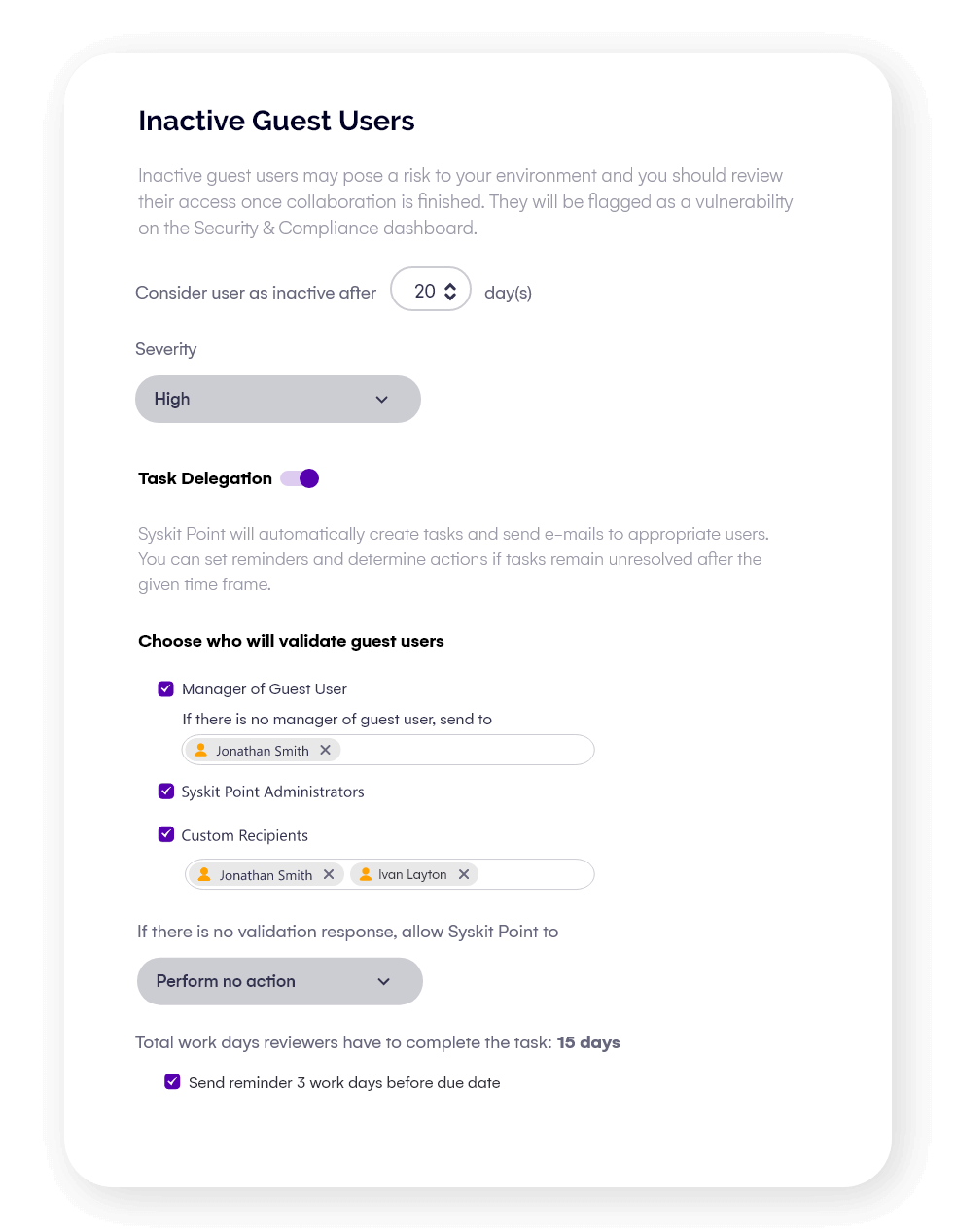
External guest management.
Ensure that external guests don’t retain access for longer than necessary.

We use SharePoint heavily as a general document management system. Coripharma started to grow the number of internal and external users rapidly. We knew there needed to be an easier way to manage their access, gain reports, and manage information.
Ulfar HelgasonHead of IT, Coripharma

See who has access
- Identify all external users and the resources they can access in Microsoft 365, to close visibility gaps.
- Understand access at a glance across Teams, SharePoint, and OneDrive without jumping between admin centers.
- Spot anomalies, like guests with elevated permissions or access to sensitive files.
- Build confidence that your collaboration environment is secure and aligned with policy.
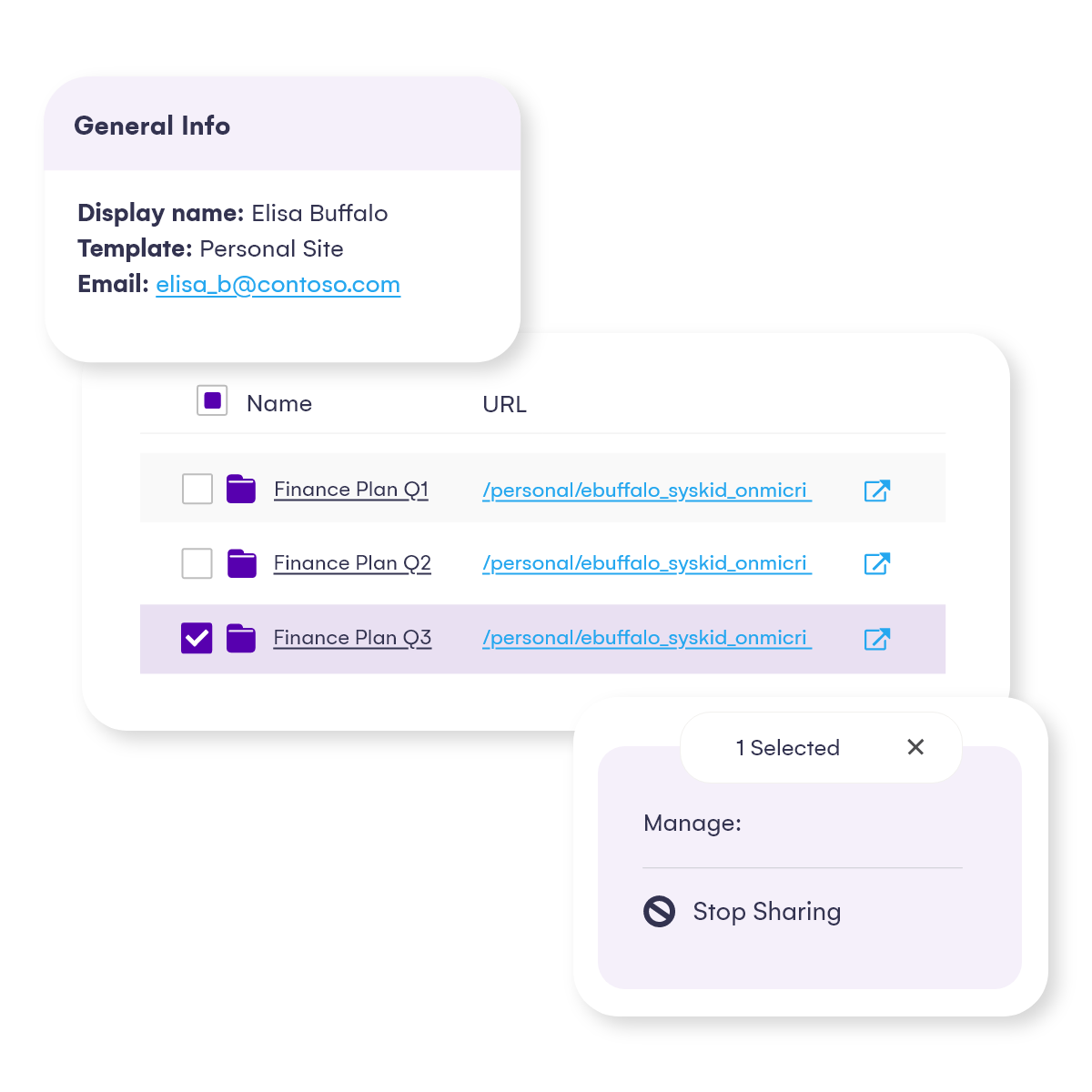
Automate guest reviews
- Ensure workspace owners stay accountable by prompting them to regularly verify and manage guest access.
- Automate the process to reduce admin overhead and avoid review cycles getting skipped.
- Standardize guest review policies across the organization for consistent governance.
- Reduce the risk of forgotten accounts with a repeatable process that keeps access clean over time.
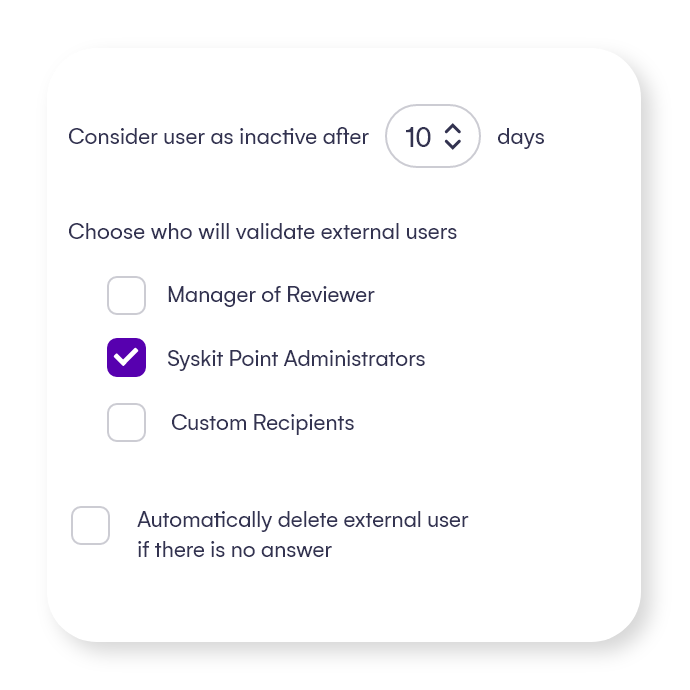
Set expiry date
- Automatically remove inactive or long-dormant guest accounts to reduce exposure windows.
- Enforce policies like “90-day access for external collaborators” without manual follow-up.
- Align access duration with project timelines, contract terms, or compliance requirements.
- Minimize long-term security risks from forgotten or legacy guest access.