





Are you ready for Microsoft Copilot?
Properly setting everything up before implementing and adopting Copilot on a large scale is vital. If you don’t, you risk rampant issues across your organization, such as users doing work with outdated or irrelevant junk information and, more alarmingly, users accidentally or purposefully getting access to sensitive files and information.
Challenge: Negative Copilot ROI
Without proper guardrails, Copilot can expose content and sensitive data in your organization, both internally and externally. Such unprotected and overshared information can be easily accessed through Copilot, posing a severe security threat.
On the other hand, existing data sprawl and poor information management will feed Copilot with junk and provide useless results – garbage in, garbage out.
Many organizations lack the proper content lifecycle management procedures for dealing with stale and redundant content. Without them, you risk incurring multiple costs instead of reaping the benefits of Copilot.
Copilot security threats
Overshared and sensitive data can unknowingly be accessed and used by Copilot, creating a large security risk.
Unreliable output
Copilot will take all of your data, including outdated data, and give you unreliable output you can’t let your organization rely on.
Unchecked permissions
IT teams should review user permissions before they assign a Microsoft Copilot license to ensure users have access to the right content.
Data sprawl
Multiple versions of the same files and copies of copies will confuse Copilot and cause you to lose time double-checking the results.
Solution: Copilot readiness assessment
Syskit Point’s Copilot Readiness Dashboard serves as a checklist, summarizing the critical actions needed to minimize security risks associated with Copilot. It allows you to see and then address potential vulnerabilities and ensure a secure and efficient Copilot implementation on a large scale.
Syskit Point lets you quickly:
- Remove multiple sharing links, including anonymous and company-wide shared links.
- Prevent specific users from using external links.
- Stop internal and external file sharing from OneDrive.
- Remove group, site, or team guest users.
- Detect shadow users, private workspaces shared with everyone, and workspaces with too many members.
… and much more. With these tools and other features of Syskit Point, you can securely prepare for Copilot from a single platform.
The Syskit Point advantage
With Syskit Point in your toolbelt, you can prepare for Copilot and keep your tenant secure as users increasingly utilize the power of AI.
Syskit Point’s robust reporting, permissions management, and governance features helps minimize the risks of oversharing and outdated content on a large scale.
Prepare for Copilot
Ensure that Microsoft 365 Copilot has access to the right data. With Syskit Point, you can minimize oversharing and widely accessible content. You can evaluate existing sharing links and set up alerts for sharing activities and privacy changes.
Check user permissions
Before you assign any Microsoft Copilot licenses, you should review all user permissions. Syskit Point lets you easily detect which users, groups, and external collaborators have access to your data, down to the file level.
Automations and policies
Use Syskit Point as a continuous monitoring solution that uses policies to enforce correct workspace setup, sharing settings, provides real-time alerts, automatically removes obvious oversharing and identifies inactive content and workspaces.
Continuous workspace review
IT teams should include workspace owners to ensure that access to content is regularly re-certified. With Syskit Point you can establish regular access reviews and set up rules to ensure new workspaces are being reviewed.
Lifecycle management
Prevent Microsoft Copilot in misleading end users by confidently providing information it has access to. With Syskit Point, you can archive or delete inactive workspaces with ease.
Is your AI about to leak your company’s secrets?
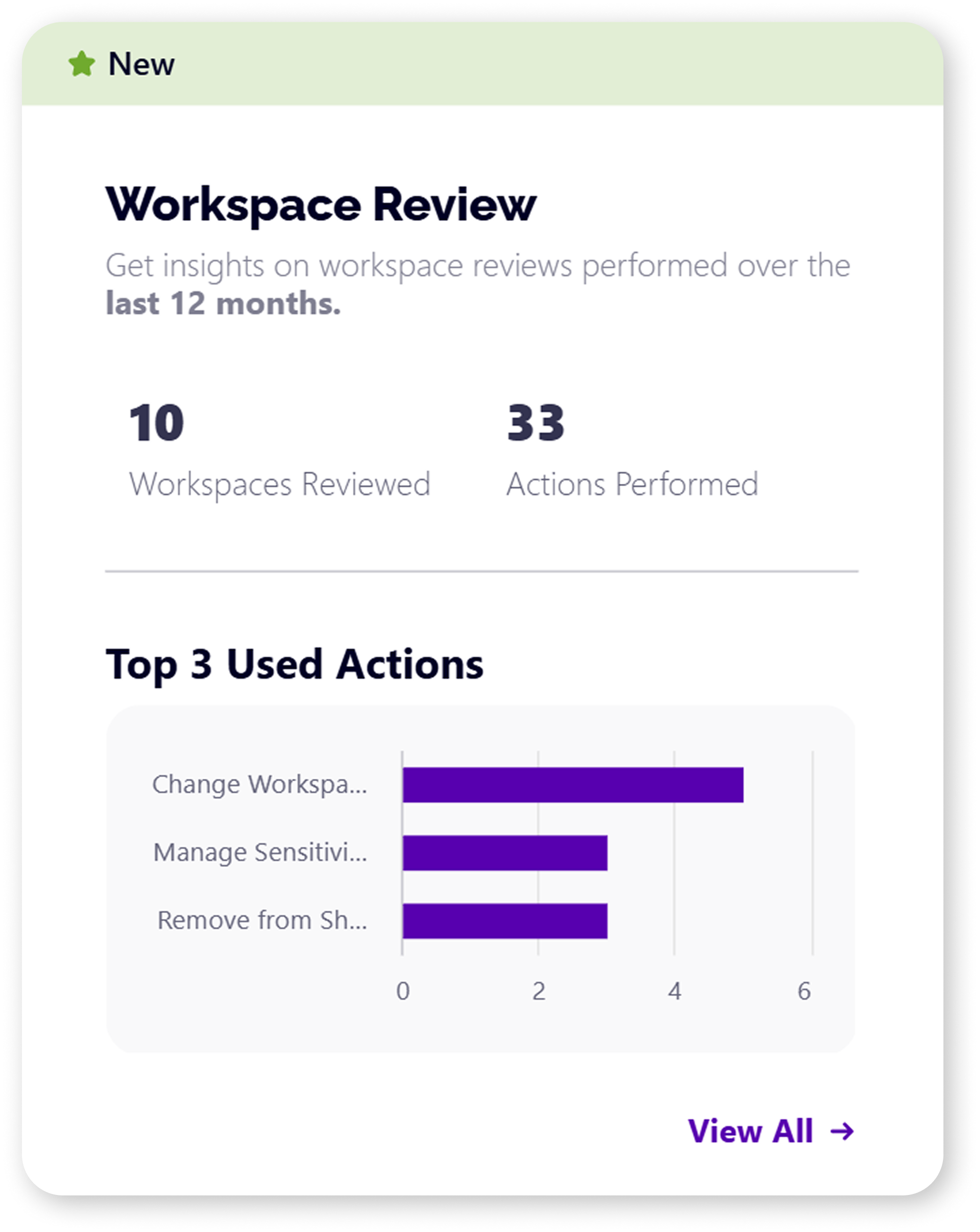
AI tools like Microsoft Copilot are only as good as the data they can access. Workspace Reviews help you prepare for successful AI adoption by:
- Securing access controls: Review and fix permissions to ensure AI only accesses data users are authorized to see.
- Validating sensitivity labels: Confirm your most critical assets are properly classified and protected before AI can interact with them.
- Eliminating risky sharing: Remove dangerous “anyone” links and external access that could expose sensitive data through AI responses.
When you see all the [Copilot] demos, they're very beautiful. Beautiful people, beautiful screen/stages, happy people, beautiful technology, producing beautiful results. What you don't realize is that beautiful results comes from curated data. And the data that exists in people's SharePoint sites and OneDrive accounts and Exchange mailboxes in the real world, they’re seldom very beautiful
Tony Redmond, Microsoft MVP
I think one of the challenges is oversharing and not having the big picture. So if you just focus on Copilot as a technical product or a licence, you wont gain the benefits from it, so you need to really address the whole scene of modern work, AI strategy in general, and then you can fit Copilot into that as one stream into your whole strategy.
Karoliina Kettukari, Microsoft MVP
Prepare for Copilot
Run a Copilot readiness assessment in Syskit Point and ensure your environment is ready for Copilot deployment- regardless of scale.
No credit card is required, and it only takes a few minutes.