
Menu Close

Control and manage external user access

Microsoft 365 is flexible in managing collaboration, but there’s uncertainty about user access and permissions.

Sharing sensitive information happens faster than you can react, and it’s hard to detect who’s behind it quickly.

The inability to restrict external access to your confidential data may result in unauthorized use.

To do it effectively, you have to stay aware of all the access risks that come with collaboration opportunities.

Challenge: Unsupervised external account access threatens data security

External users might be able to access your internal resources in one of the following ways:

  • Through direct access – Giving direct access through external user accounts allows them to modify, share, and download the same documents as your internal users.
  • Via external sharing links – Granting access to your specific resources using external sharing links.

The leading driver of data security risk is allowing access through these methods after project completion, with guest accounts remaining unattended and uncontrolled in your tenant for significant periods of time.

To successfully protect your data, you need visibility into external user access. And with Microsoft 365 out-of-the-box, it’s easier said than done.

Detecting sharing links usually requires spending multiple hours on PowerShell scripts.

Likewise, to gain insight into externally shared documents and permissions, your IT team needs to go down to the file, folder, and site level and extract data manually into a report, all of which creates a drain on productivity and distracts from driving the business forward.

Solution: External Users and Sharing Links reports

Syskit Point’s powerful reports solve your visibility issues by showing both internal and external users’ actions across SharePoint Online, Teams, Microsoft 365 Groups, and OneDrive, in a single dashboard.

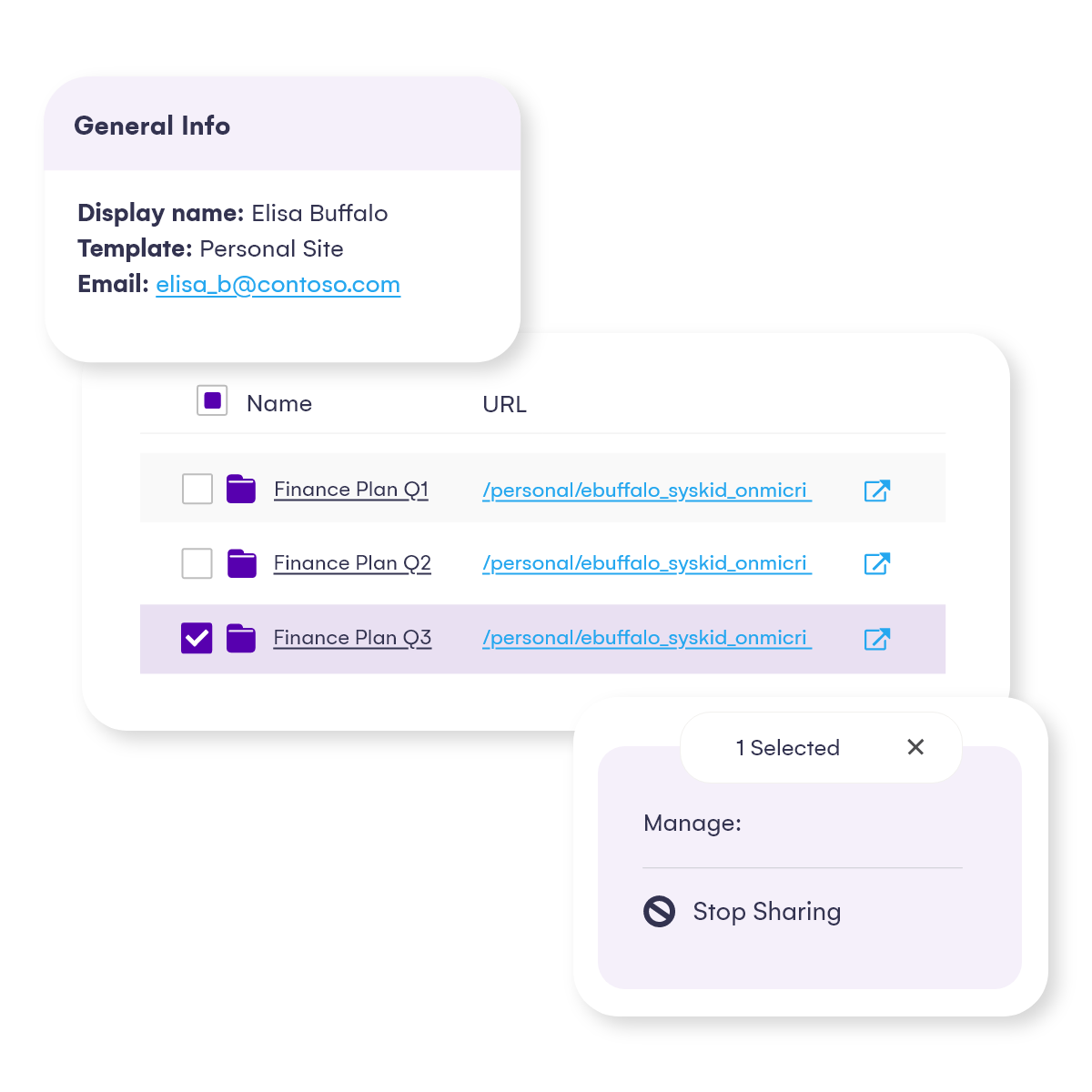
You can add or remove your users, members, guest users, and sharing links across your environment with one click.

You can see which levels of permission external users have over specific M365 objects and who granted access to them.

It covers reporting on sharing links as well.
Identify oversharing risks & external access

Syskit Point was everything we needed, right from the beginning: clear, intuitive, and super easy to use. It was a way better match than any other tool, not only from the financial aspect but technical as well.

Anton Dorfmann CMS & Collaboration Manager at Loacker

anton-dorfmann-loacker

Protect your sensitive data and ensure compliance 

Always stay aware of who is accessing your sensitive data in Microsoft 365 and how with Syskit Point.

You’re just a few quick steps away from getting a 100% real experience of powerful Microsoft 365 reporting. No credit card is required, and it only takes a few minutes to start.