






Menu Close

Collaborative governance in Microsoft 365

The explosion of cloud collaboration has led to an incredible rise in productivity. It has also created many challenges that, up until recently, you had to rely solely on your IT team to solve.

This is no longer the case. Business users with no IT background can easily manage what once was a completely undecipherable and complex system.  

All it takes is a few policies and process setups made by admins – Syskit Point, with its intuitive interface, will take care of the rest.

Coca Cola
Lionsgate
IBM
Rimac-color-logo
LEGO
IATA

Solution: Collaborative governance with Syskit Point 

At the end of the day, regular business users, managers, and content owners have the best knowledge and experience regarding who should access their content and be in their workspaces.

With them on your side, your IT team can catch their breath and focus on improving and developing your business.

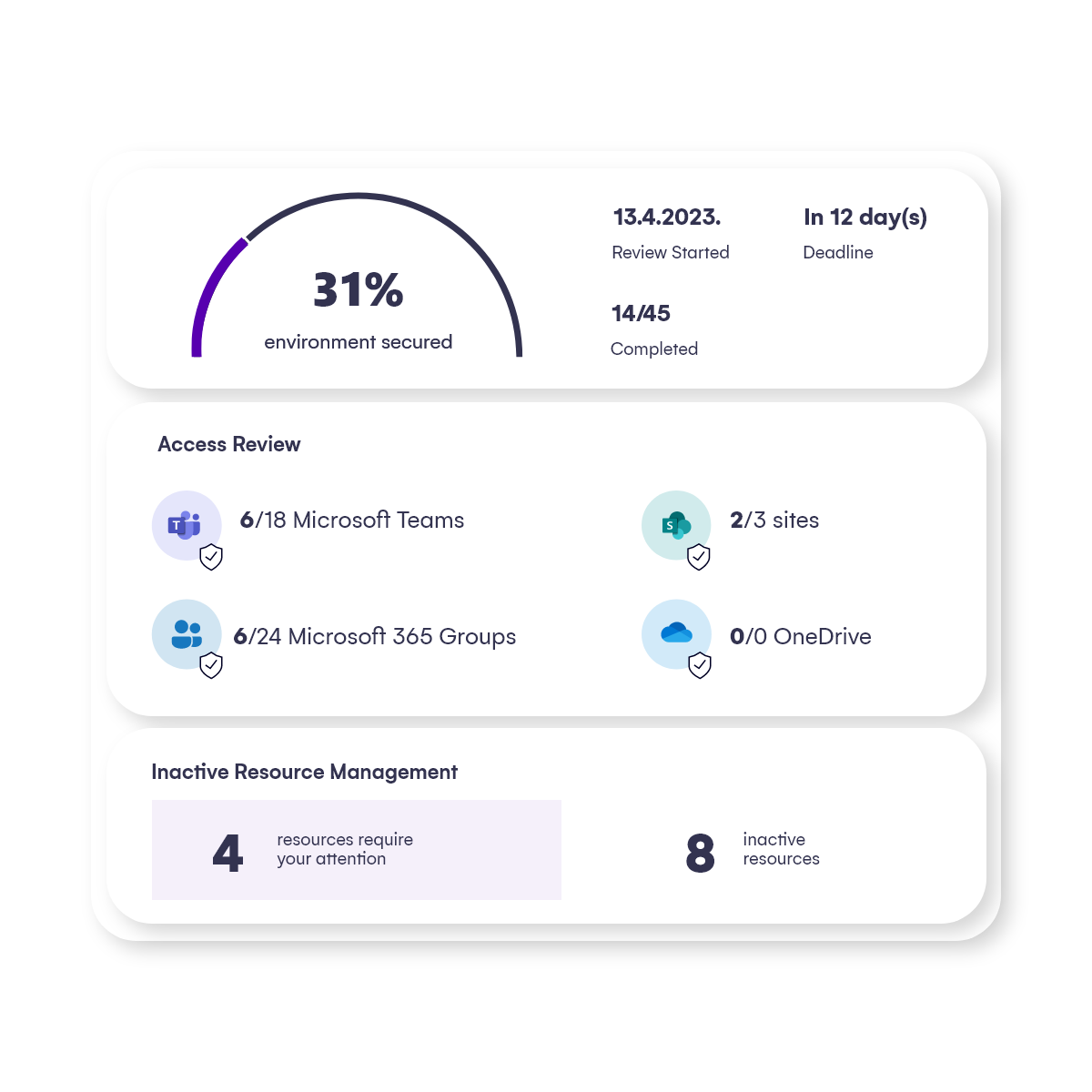
Syskit Point empowers non-IT business users to check their workspaces at any time and verify internal and external user permissions, memberships, and sharing. And then easily manage all of it, without creating new IT tickets.
GOVERNANCE-automate-governance

How Syskit Point helps admin and IT professionals

It takes an entire crew to run a tight ship. But before that, all it takes is a few policies and process setups made by admins – Syskit Point, with its intuitive interface, will take care of the rest.

With Syskit Point, admins can quickly achieve the following:


Create provisioning templates

Create multiple provisioning templates with different approval scenarios for your end users to choose from when creating new workspaces. 

Set periodic review policies

Set a periodic review policy for content owners with external sharing in their workspaces – confirm whether the specified level of sharing is okay, and change or remove it if not. 

Set policies depending on your need

Set up various policies for ownership, guest expiration, and orphaned workspace cleanup. 

Create custom approval processes

Create a custom access request approval process – the users included, and if it should be automated.

Define the access users can request

Define what kind of access users can request per workspace type – members, users, and visitors.

How Syskit Point helps non-IT business users

See all the details

Check workspaces at any time to see members, content, and how it is being shared, and generate detailed reports.

Define workspaces

Specify the purpose or sensitivity of each workspace, depending on the workspace needs and how they see fit.

Configure alerts

Configure alerts for their teams, groups, and sites to help ensure the security of sensitive data without any additional administrative rights. 

Easily join workspaces

See available workspace types across your organization and send access requests to join them – all from a single location.

With Syskit Point, business users with no IT background can easily manage what once was a completely undecipherable and complex system, and achieve the following:

Syskit Point was everything we needed, right from the beginning: clear, intuitive, and super easy to use. It was a way better match than any other tool, not only from the financial aspect but technical as well.

Anton Dorfmann

CMS & Collaboration Manager at Loacker

anton-dorfmann-loacker

Drive effective IT-business user collaboration with Syskit Point

Empower managers and content owners, capitalize on their knowledge and experience and lighten your IT team's daily load.

You’re just a few quick steps away from getting a 100% real experience of powerful Microsoft governance. No credit card is required, and it only takes a few minutes to start.