
Dig into SharePoint analytics
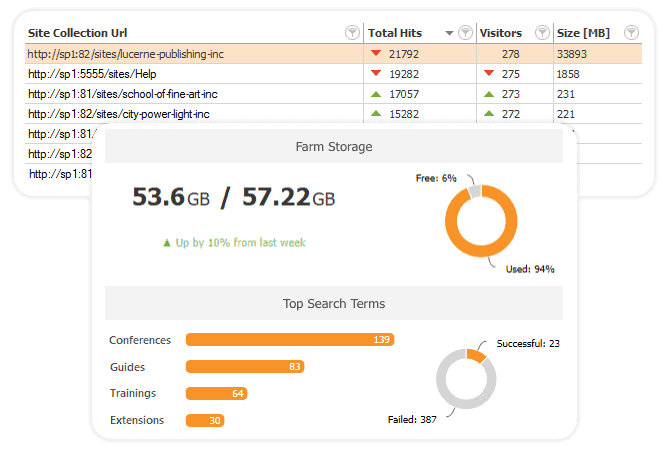
See all your site hits, visitors, and modifications and find out how users are interacting with your farms, site collections, and subsites by tracking SharePoint adoption metrics:
- Check the number of hits and visitors per farm, site collection, or subsite, and track how these trends are changing.
- Check the time of last access or when certain content was last modified.
- Get a full list of site collection visitors.
- Drill into your farm’s storage usage and most popular documents. Get an overview of activities, visits, hits, and searches.
Explore your SharePoint workflow analytics
Discover the usage trends of your workflows and plan your SharePoint migration with ease:
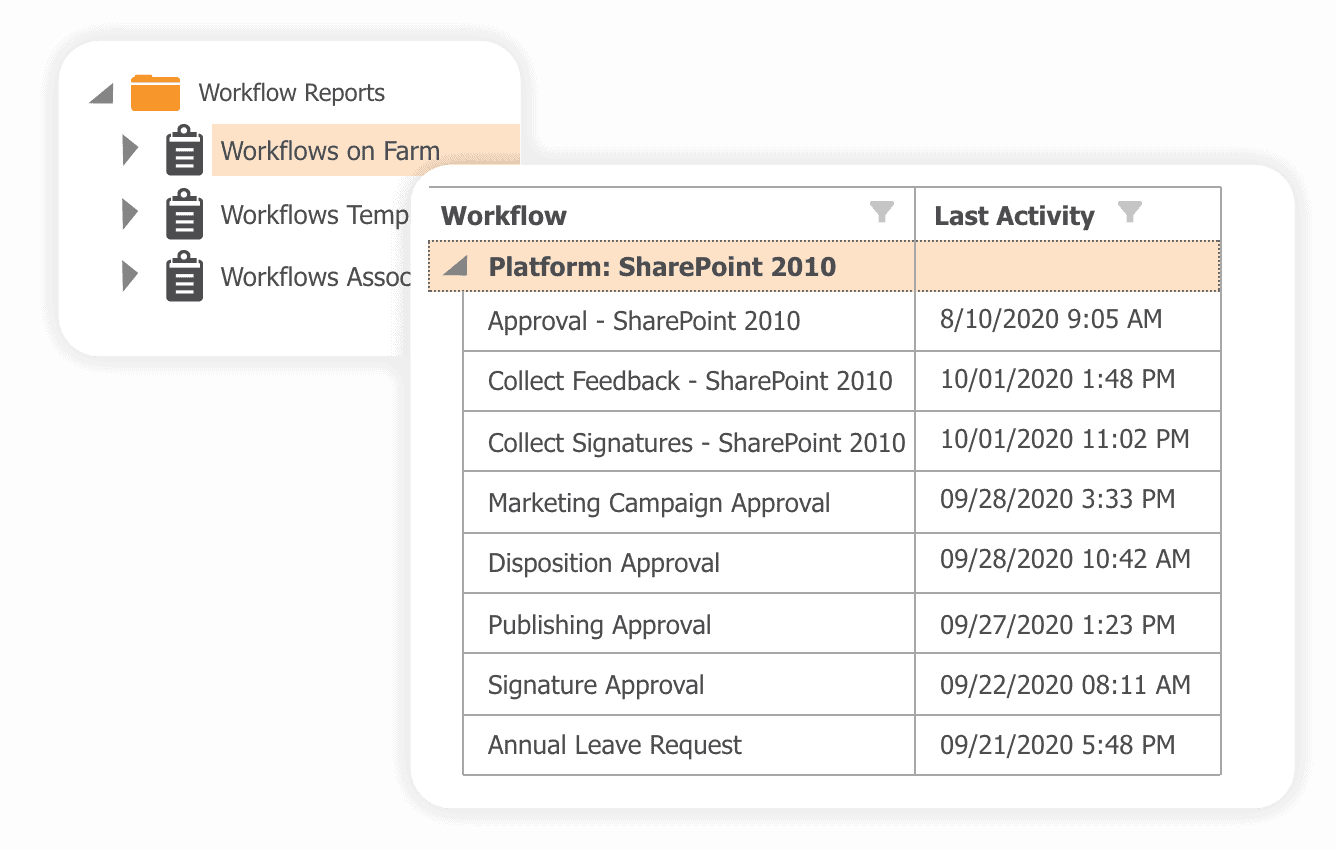
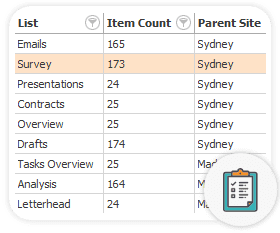
- Check the list of all your SharePoint 2013 and SharePoint 2010 workflows. See which of those you need to rewrite, and which are ready to migrate.
- Detect workflow activity – easily decide which ones to migrate, and which to leave behind.
- Explore workflow lists, sites, and content type associations – see exactly where the workflows exist in your site collections.
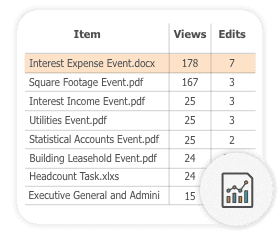
Find the recently viewed documents on a site collection with the number of views and edits.
Get an overview of actions performed per document and find the most popular ones.
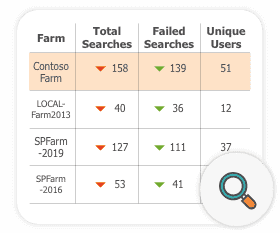
Check the total number of searches for each of your farms over the last 7 days and compare it to a previous period to see the trends.
Find failed searches and get a list of the most popular search queries.
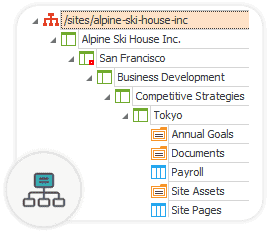
Check the hierarchical structure for site collections down to the list-item level.
Plan your SharePoint site expansion or migration with ease.
Ensure that guest users are reviewed periodically or whenever Point detects them as inactive.
Automatically remove the ones for which no one takes responsibility, leaving your environment secure and clean.
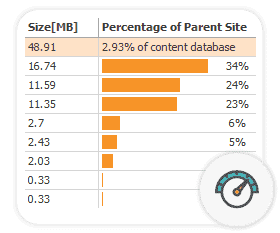
Analyze database size and forecast its growth – view the amount of storage used by SharePoint objects or file types (such as .pdf, .mp4, etc.).
Decide how to re-arrange and manage your content.
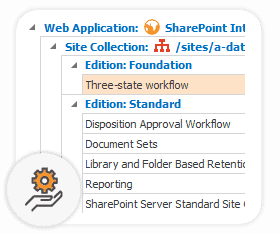
Stay aware of all the used and deployed features, including the custom ones, when upgrading your system or migrating your farm.
Check if you are license compliant with 3rd party vendor features.
Understand your SharePoint farm usage
SPDockit’s interactive content dashboard with 20+ reports gives you a deep insight into your SharePoint farm structure and usage.
Keep up with your database growth, used space, or site collection inventory.
Easily export reports or schedule them to be received via email.
Find the recently viewed documents on a site collection with the number of views and edits.
Get an overview of actions performed per document and find the most popular ones.
Check the total number of searches for each of your farms over the last 7 days and compare it to a previous period to see the trends.
Find failed searches and get a list of the most popular search queries.
Check the hierarchical structure for site collections down to the list-item level.
Plan your SharePoint site expansion or migration with ease.
Ensure that guest users are reviewed periodically or whenever Point detects them as inactive.
Automatically remove the ones for which no one takes responsibility, leaving your environment secure and clean.
Analyze database size and forecast its growth – view the amount of storage used by SharePoint objects or file types (such as .pdf, .mp4, etc.).
Decide how to re-arrange and manage your content.
Stay aware of all the used and deployed features, including the custom ones, when upgrading your system or migrating your farm.
Check if you are license compliant with 3rd party vendor features.