
Don’t compromise when it comes to server monitoring
Syskit Monitor integrates with all your server environments and provides advanced, in-depth visibility of your virtual and physical infrastructures.
Stop oversharing
Reduce unnecessary storage and cut costs
Ensure external guests don’t retain access forever
Prevent workspace sprawl
Prevent data leaks when employees use AI tools like Microsoft Copilot
Track risky behavior and anomalies
Show governance and compliance in audits
Technology and industry insights
What analysts think of Syskit
Product documentation
Videos from top Microsoft MVPs
In-depth guides
Master M365 governance and security
Detailed product functionality
What's new!
SPDockit and other products
Compare Syskit Point with M365
We're just a click away if you have questions
Explore the realm of partnership opportunities
Check out our full list of partners
Syskit Monitor integrates with all your server environments (Windows Servers) to provide advanced, in-depth visibility of your virtual and physical infrastructures – for all your servers and platforms.
All you have to do is add a server or client workstation to view its complete infrastructure on one intuitive console.
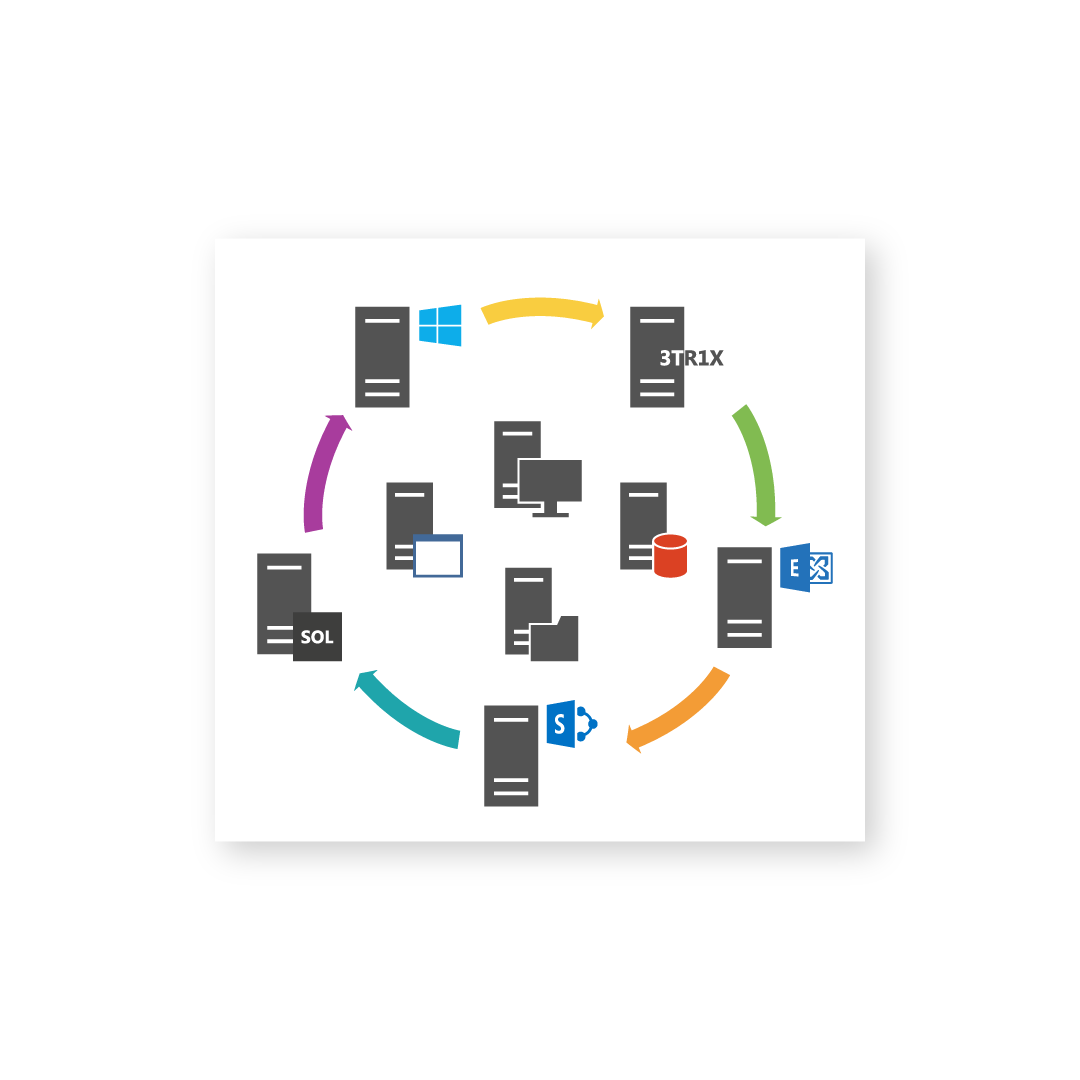
In Syskit Monitor, everything is centralized into one dashboard so you can monitor your old Windows 2003 servers, production Windows 2008 R2, and Windows 2012 R2 servers from one console.
You can even test Windows Server 2012 and see how it performs compared to your existing servers.
Check users’ logons and logoffs, monitor their activity, and track their remote access to the Remote Desktop Session Host.
Syskit Monitor allows you to view all sessions connecting via Microsoft RDP protocol in one centralized location.
Track Citrix users’ productivity when they are connected from the office, remote locations, or their homes. Determine whether they are performing any real work inside the Citrix ICA session.
Add Citrix Virtual Apps and Desktops servers and machines to track users’ activity from one central console.
Check who was logged on to a specific workstation and when with our centralized console.
Syskit Monitor also allows you to inventory your workstations – track how much free disk space you have per workstation, installed Windows updates, etc.
We are always open to working on new projects for our clients, so we decided to support VMware Horizon 6.0 with View and PCoIP display protocol.
Everything you can do with Remote Desktop Services and Citrix XenApp, such as tracking external or remote users, you can also do with VMware View.
Monitor SharePoint performance using numerous performance metrics available through Syskit Monitor. Gain deep insight into the status of your front-end web servers, SharePoint request management servers, SQL dedicated servers, and SharePoint search or services farms.
If you, for example, have a problem with an SQL database latency, IIS process, or WFE page load, you can use Syskit Monitor to determine what is causing the issue and prevent it from reappearing.
Track users’ connections on the server or workstation through the Remote Desktop Gateway (formerly known as the TS gateway) and their external IP address.
You can even add multiple RD Gateways and track users’ activity from all of them using a consolidated database. Syskit Monitor displays historical and real-time sessions.
Syskit Monitor integrates with all your server environments and provides advanced, in-depth visibility of your virtual and physical infrastructures.