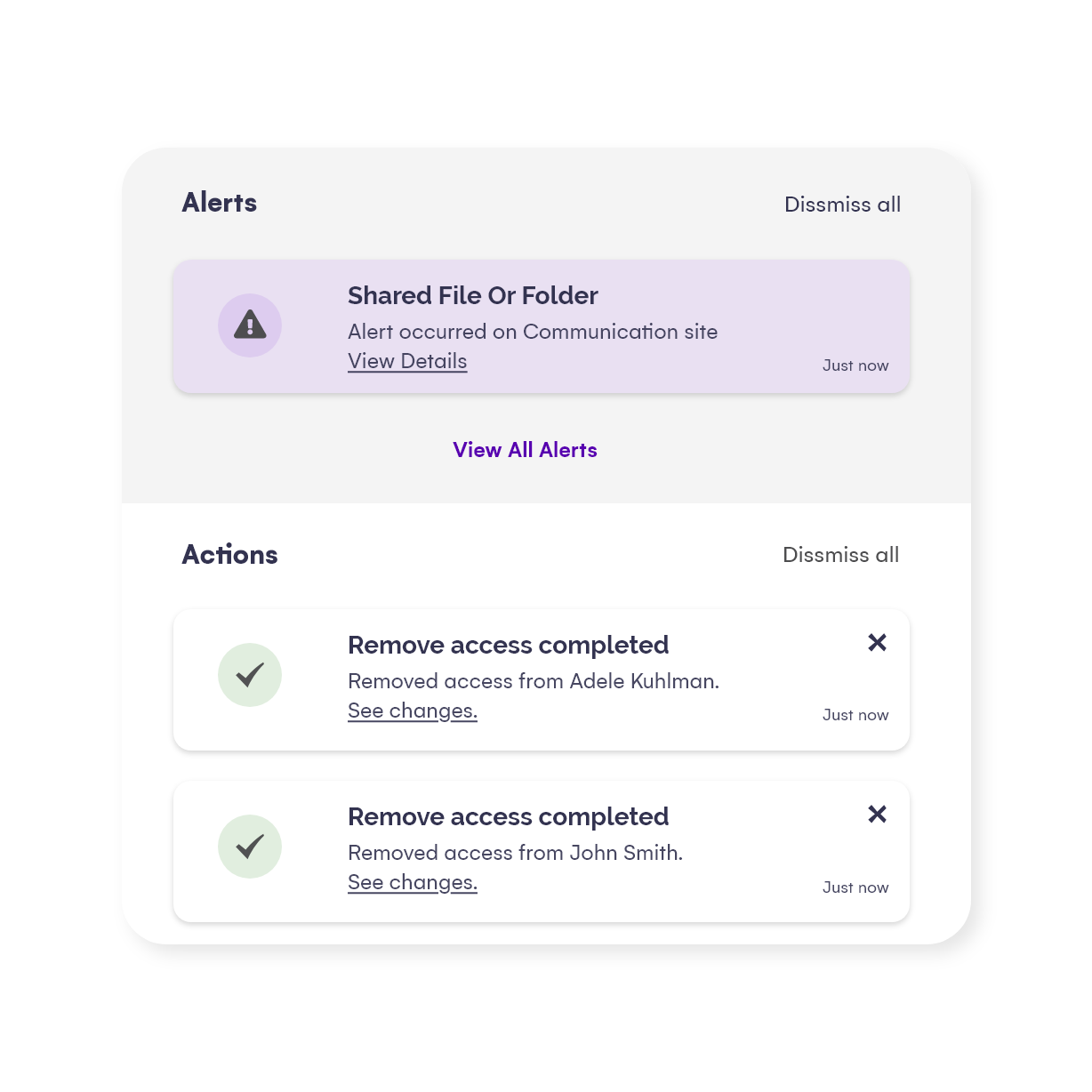
Automate security troubleshooting
Security issues happen all the time and require a lot of investigation. With Syskit Point, you can get the information you need at the right time to be proactive and act accordingly.
You can configure alerts to see if:
- Someone has shared a document with an external user.
- An external user has been added to a team.
- Someone has changed a group’s privacy from private to public.
- A user has logged in from outside the allowed IP range.
- Someone made site administration changes.
- Other permission changes and suspicious user activities have happened.
Customize your alerts
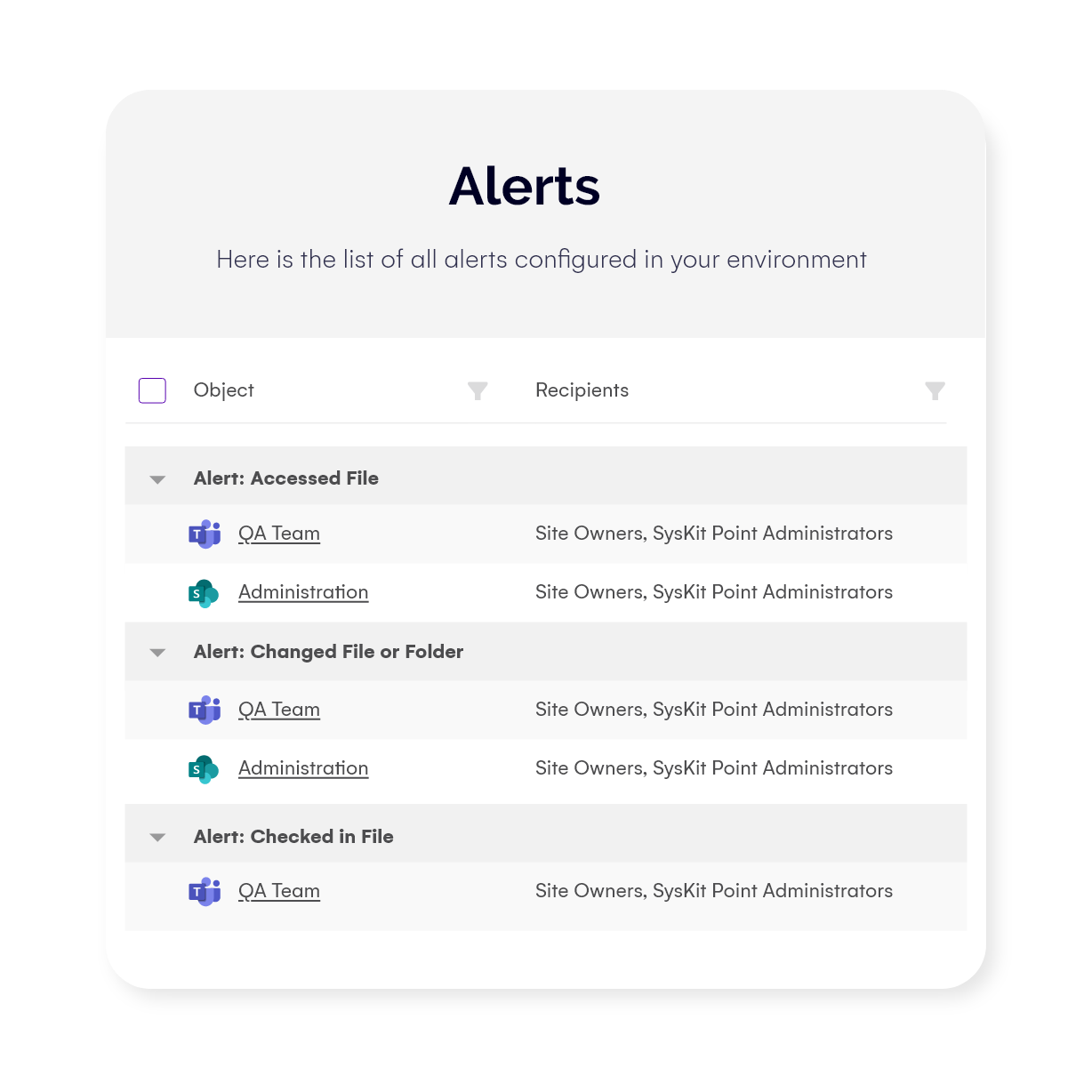
Syskit Point enables you to customize your alerts and explore their details how you see fit – directly from your inbox or through a detailed audit log in Syskit Point, depending on the urgency.
You can fine-tune the specifics of the alerts according to:
- The user whose certain activities you want to track.
- External user activity you want to track.
- Specific IP addresses or everything outside of a certain IP range.
Include the content owners
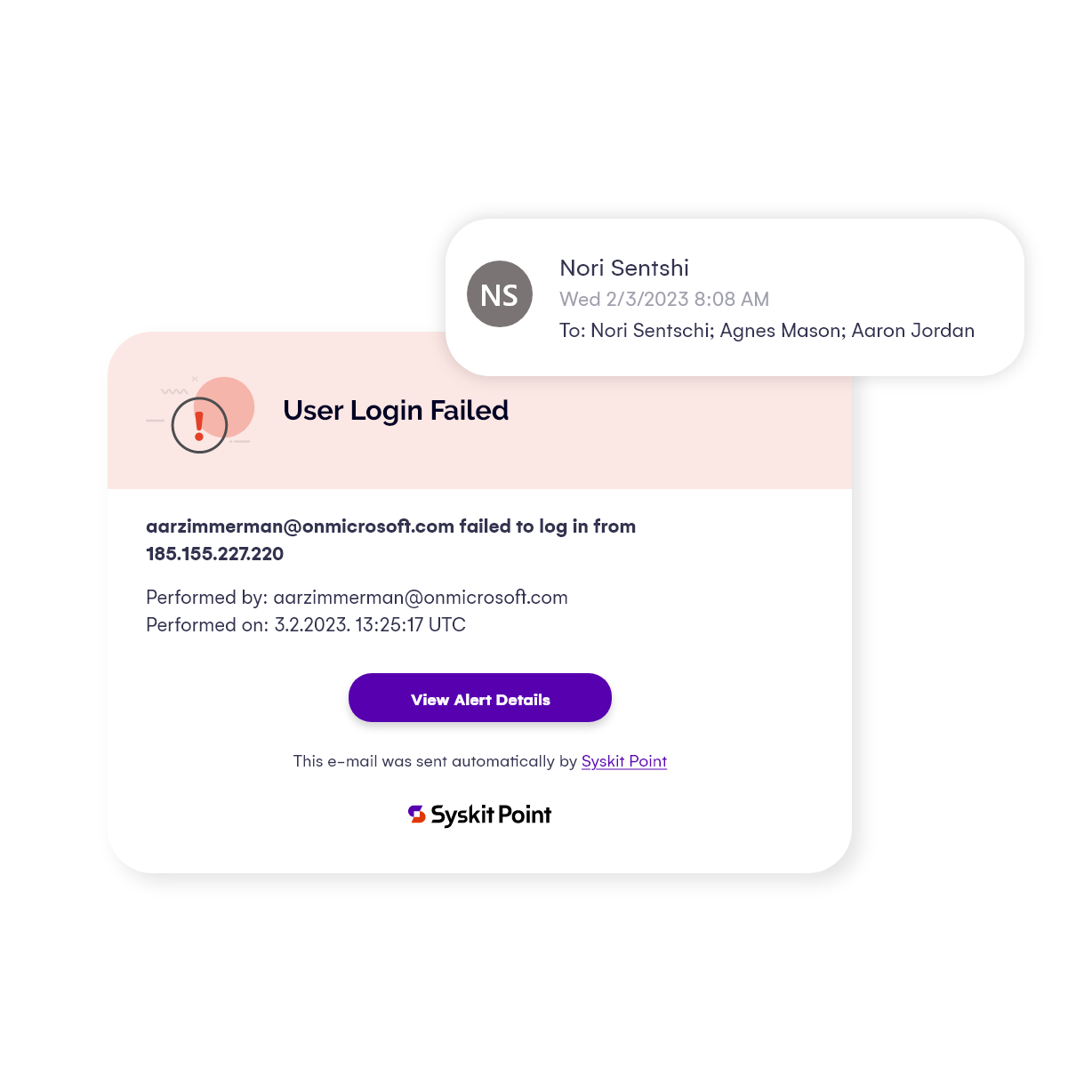
Avoid second-guessing what’s important and cut through the unnecessary administrative burdens by empowering content owners to easily configure alerts for their teams, groups, and sites – no technical knowledge and administrative permissions required.
By having content owners on board for regular security checkups, you will:
- Get the fastest reaction to suspicious activity.
- Receive the most accurate response due to owners’ practical knowledge.
- Free up your IT team for more important tasks.